Pievienojies SMART NET un ietaupi! Pievienoties

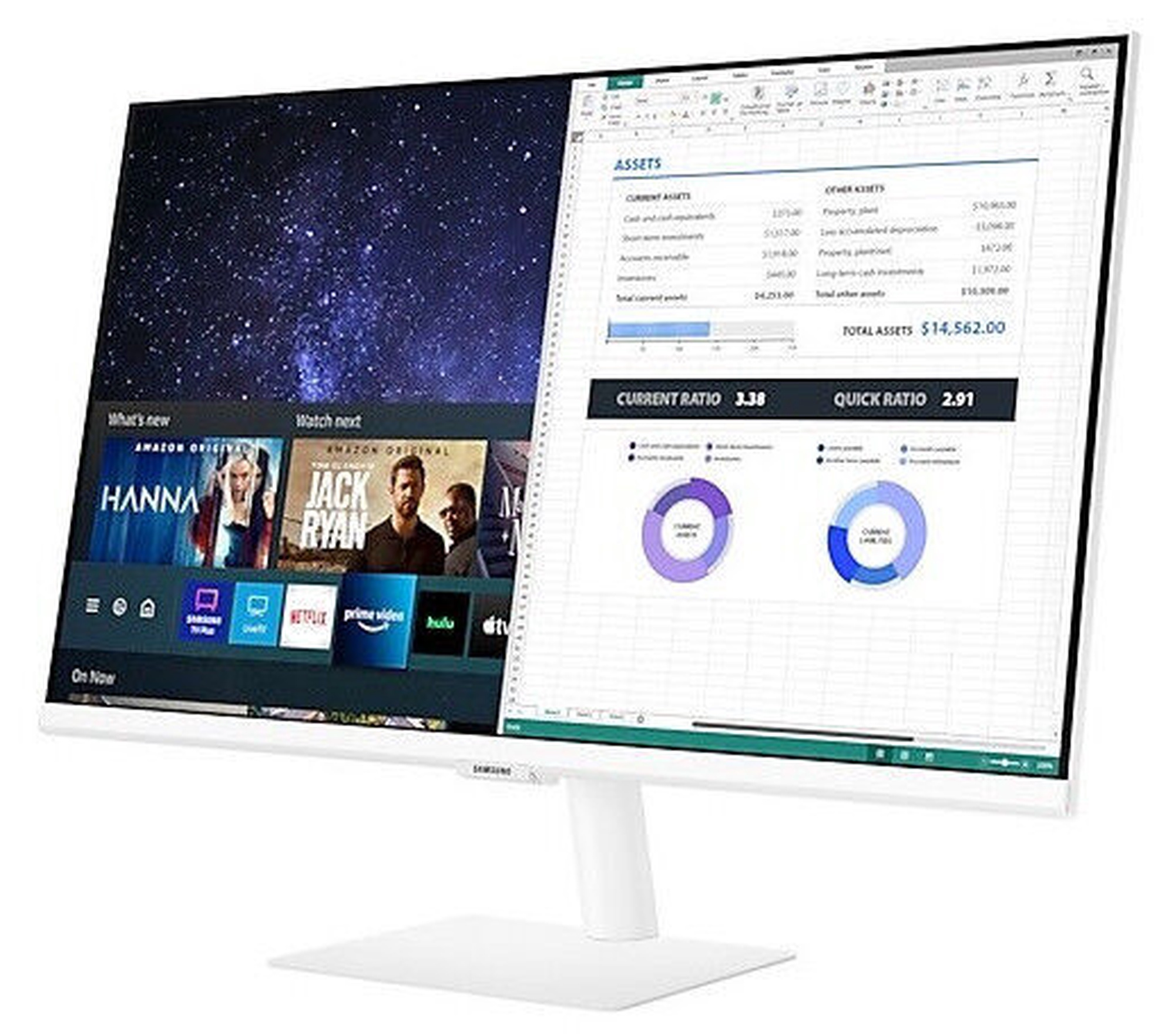
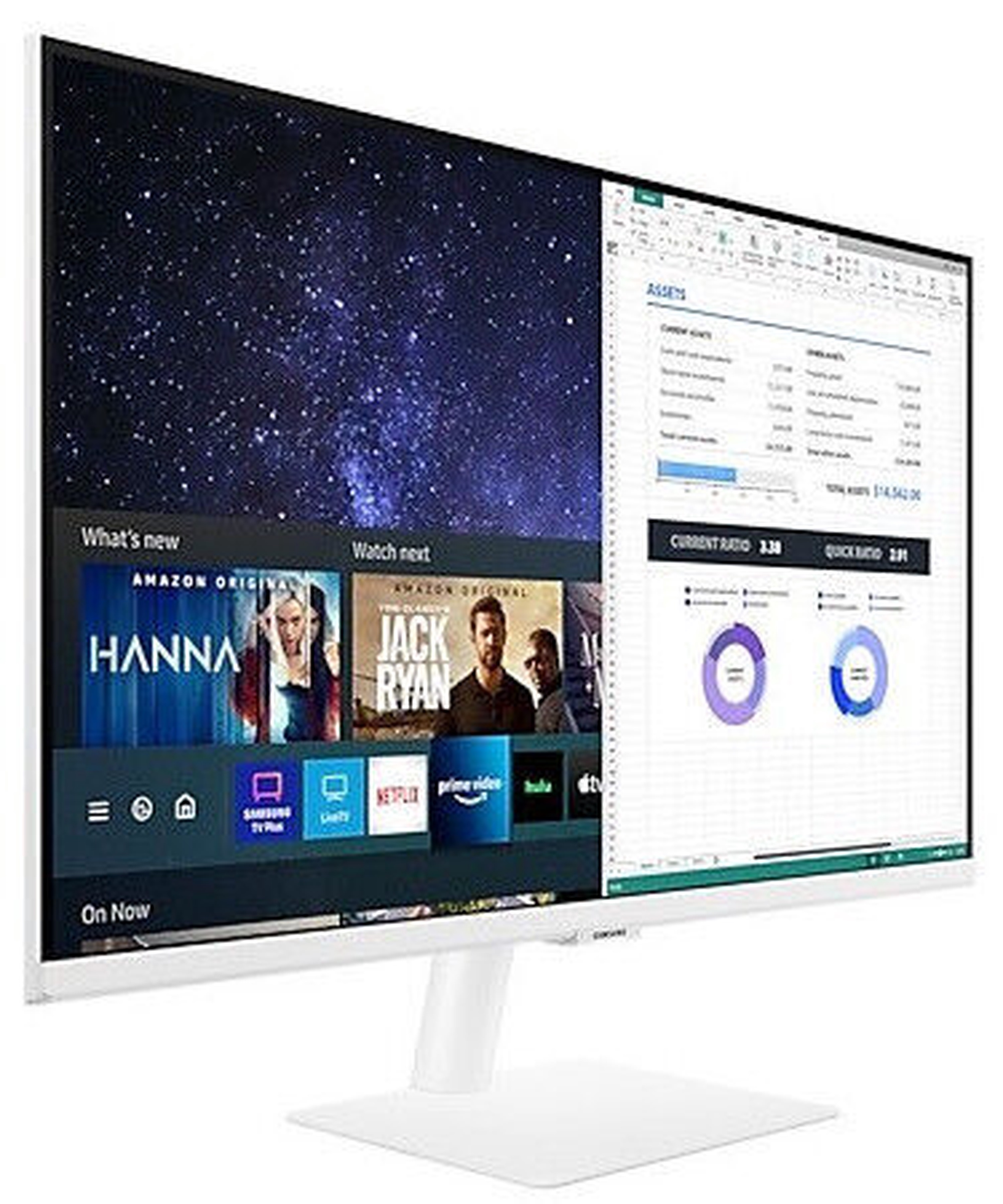
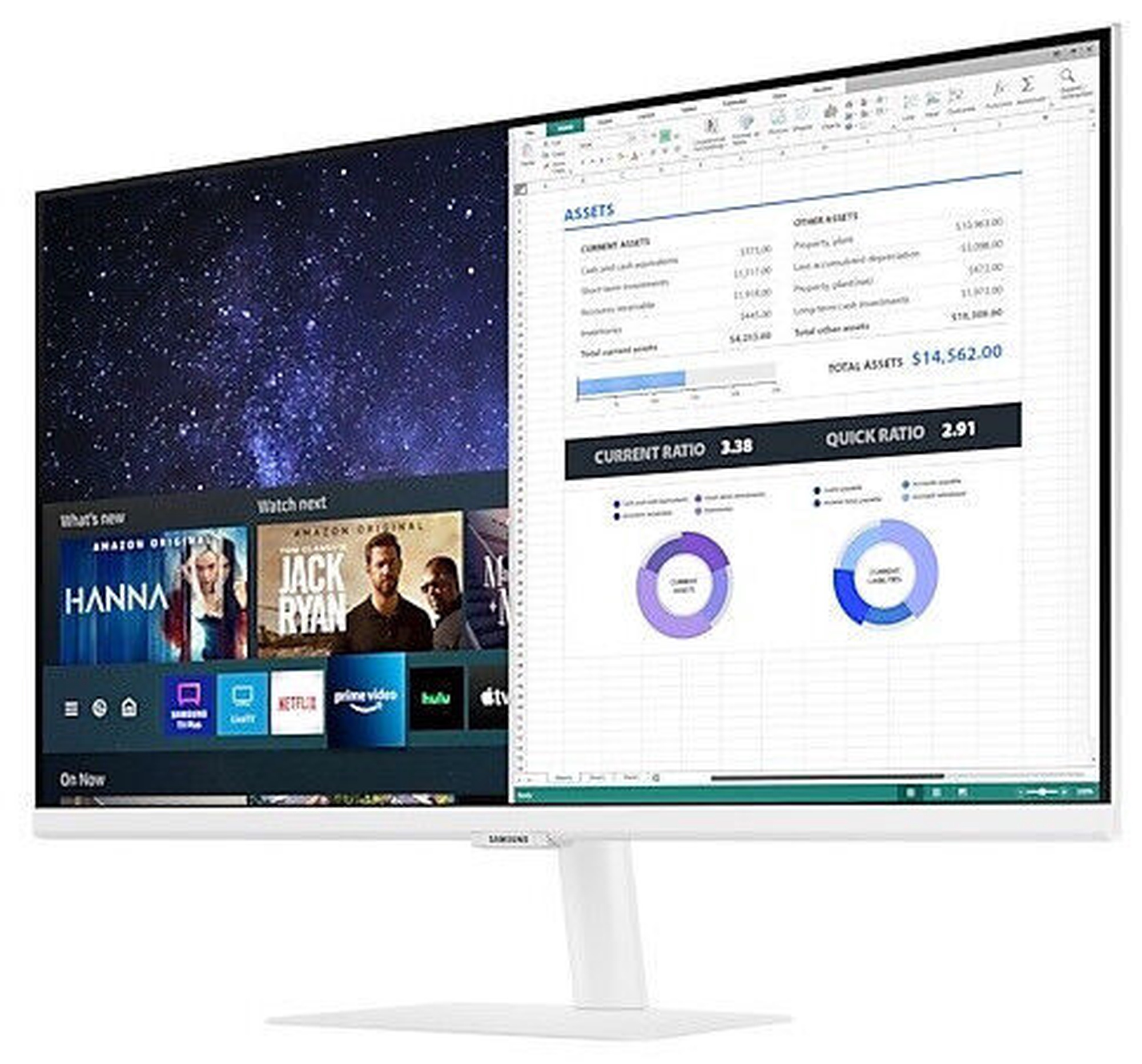
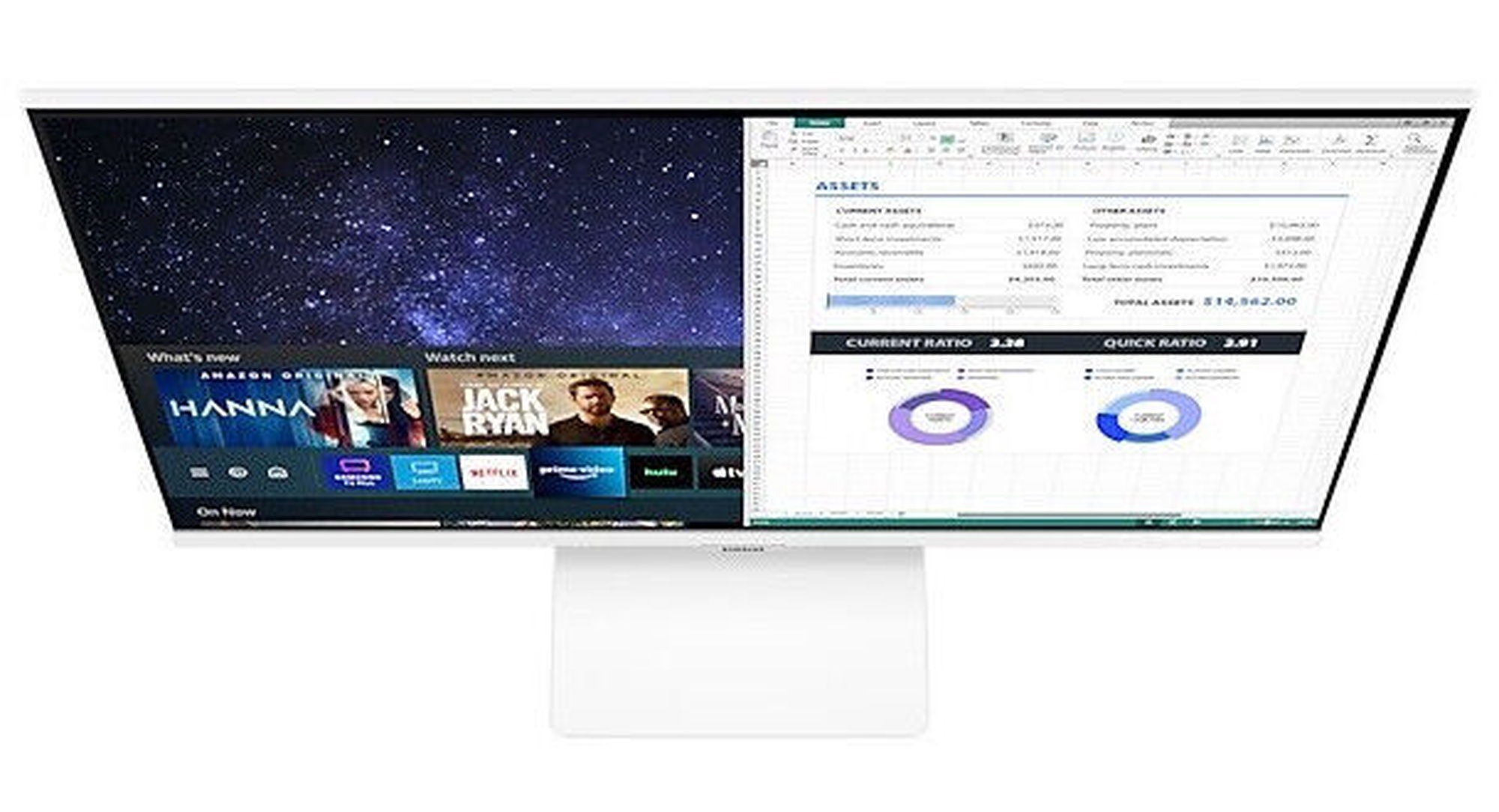
Monitors Samsung S32AM501NU, TFT, 60 Hz, 32"


Atvaino, šī prece šobrīd nav pieejama internetā. Taču piedāvājam pārskatīt citas šīs kategorijas preces – ticam, ka atradīsi līdzīgu preci.

Tāpat vari turpināt iepirkšanos, atgriežoties sākumlapā vai meklēšanas laukā ierakstot, kādu preci meklēji.

Izstrādājuma īpašības

Kopējie parametri

Produkta veids Monitori
Zīmols Samsung
Monitora tips
LCD un LED ir divas galvenās displeja tehnoloģijas, kas tiek plaši izmantotas mūsdienās. Galvenās LCD monitora priekšrocības: neliels svars, augsts kontrasts, proporcionāls attēla formāts, spilgtas krāsas, mirgoņas neesamība, ass attēls, kā arī zems elektroenerģijas patēriņš. LED monitori nodrošina gandrīz perfektu attēlu kvalitāti, lai skatītos filmas pilnas augstas izšķirtspējas kvalitātē, spēlētu jaunākās spēles un veidotu prezentācijas. LED izgaismotie monitori nesatur dzīvsudrabu, halogēnu vai svinu. Tas padara šos monitorus videi draudzīgus brīdī, kad ir nepieciešams tos pārstrādāt.
LED monitori
Modelis S32AM501NU
Krāsa Balta krās.
Energoefektivitātes klase E
Energoefektivitātes klašu skala A - G

Ekrāns

Ekrāna tips
Monitora panelis ir ekrāna redzamās daļas galvenā īpašība, jeb tehnoloģija kurā realizēta krāsu punktu (pikseļu) atainošana. TN ir standarta tehnoloģija ar viduvējiem kontrasta, spilgtuma un krāsu atbilstības rādītājiem. IPS ir augstas krāsu atbilstības matrica ar labu attēla reakcijas ātrumu un tamdēļ ir labi piemērota grafiskajiem darbiem un foto apstrādei. IPS matricas sniedz lielisku skata leņķi saglabājot krāsas un kontrastu gandrīz no jebkura leņķa. VA matricas nodrošina lielisku krāsu atbilstību, tomēr ar reakcijas laiku šis matricas atpaliek no IPS un TN, savukārt skata leņķis ir kaut kur pa vidu starp šīm tehnoloģijām.
TFT
Ekrāna izmērs pa diagonāli
Monitora ekrāna izmērs tiek mērīts collās pa diagonāli. Ekrāna izmēram jābūt samērīgam ar ekrāna izšķirtspēju, lai panāktu maksimālu darba virsmas izmantošanu un attēla detalizāciju. Jo lielāks ir monitors, jo augstāku izšķirtspēju tas parasti atbalsta. Iespējas palielināt ekrāna izšķirtspēju ir atkarīgas no monitora lieluma un iespējām, kā arī video kartes veida.
32 "
Ekrāna izšķirtspēja
Lielāka izšķirtspēja nodrošina skaidrāku attēlu.
1920 x 1080
Ekrāna forma Plakana
Ekrāna frekvence
Biežums ar kuru datora monitors vai līdzīgs elektronisks displejs atsvaidzina attēlu, parasti izteikts hercos (Hz)
60 Hz
Ekrāna virsmas tips
Pastāv divi ekrānu tipi - galncētais un matētais. Glare jeb glancētajam ekrānam raksturīgs izteiktāks kontrasts, asums un krāsas, salīdzinot ar AntiGlare jeb matēto ekrānu. Šo monitora tipu visbiežāk iecienījuši mājas lietotāji. AntiGlare jeb matētais ekrāns biežāk raksturīgs biznesa klases monitoros, kas paredzēti darbam ar dokumentiem un grāmatvedības sistēmām. Šī ekrāna tipa priekšrocība ir atspīdēšanas problēmas daļēja novēršana, gaismu “izkaisot”.
Matēts
Reakcijas laiks
Šis rādītājs nosaka monitora ekrāna reakcijas laiku. Reakcijas laiks tiek mērīts milisekundēs. Jo mazāks reakcijas laiks, jo labāk monitors spēs attēlot kustīgus attēlus.
8 ms
Horizontālais skata leņķis
LCD un LED monitori izstrādāti tādā veidā, lai skatoties monitorā no jebkura leņķa, attēla kvalitāte (spilgtums un kontrasts) paliktu nemainīga.
178 °
Vertikālais skata leņķis 178 °
Kontrasts
Ekrāna kontrasts nosaka attēla asumu. Tā ir atšķirība starp vistumšāko (pilnīgi melnu) un visgaišāko (pilnīgi baltu) pikseli. Jo lielāks kontrasts, jo skaidrāk salasāms teksts uz ekrāna. Kontrasts arī nosaka, cik izteiksmīgas līnijas būs redzamas monitora attēlā.
3000 : 1
Spilgtums, cd/m²
Monitora spilgtums ir attēla redzamības rādītājs, kas nosaka, cik labi saskatāms ir attēls pie spēcīga ārējā apgaismojuma. Jo lielāks spilgtuma rādītājs, jo labāka attēla redzamība.
250
Skārienjūtīgais ekrāns Nē
3D funkcija
Šis parametrs norāda, vai monitorā iespējama trīsdimensionāla attēla pārraidīšana.
Nē

Pieslēgumi un savienojumi

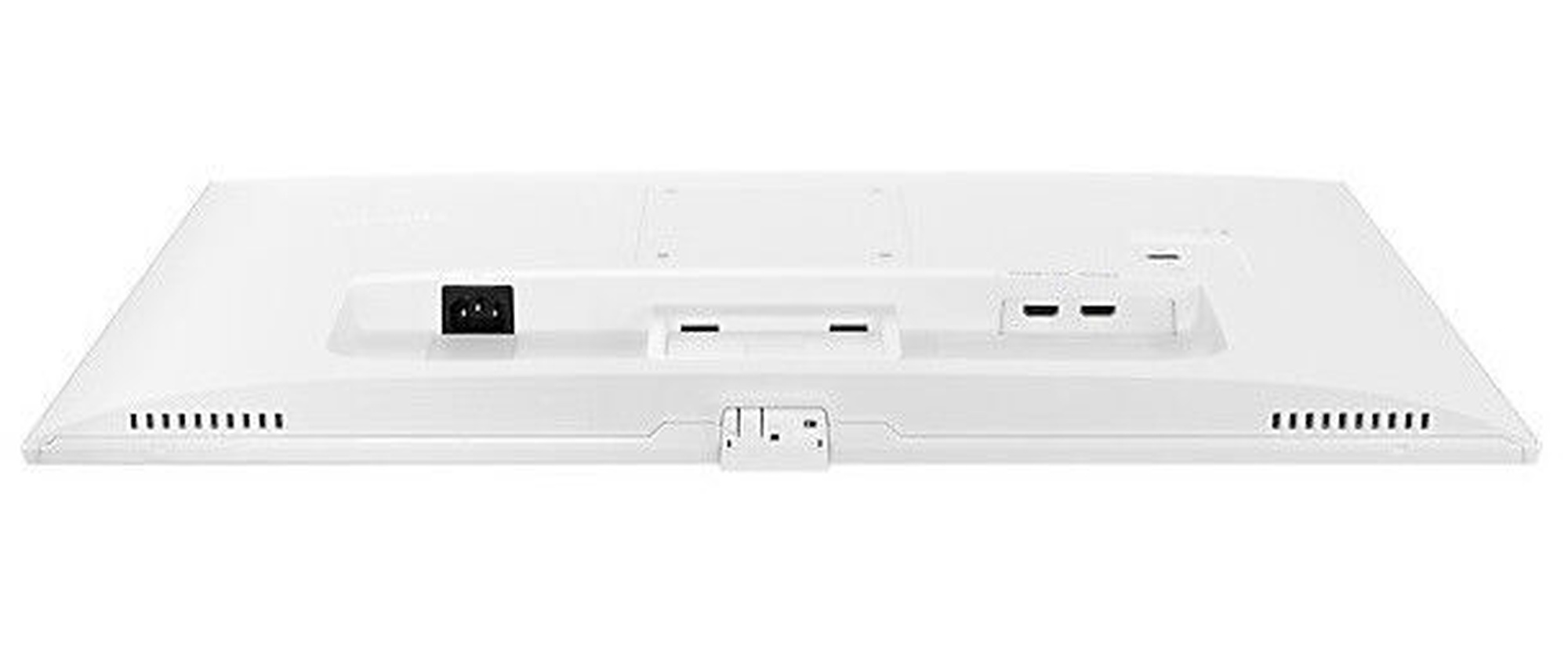
Savienojumi
Ir vairāku veidu pieslēgumi. D-Sub ir klasiskais (analogais) monitoru pieslēgšanas spraudnis. Ja monitora izšķirtspēja ir vienāda vai mazāka par FullHD, tad ar šo pieslēgumu vidusmēra lietotājam nebūs problēmu. Augstākas attēla kvalitātes un izšķirtspējas tīkotājiem jāmeklē monitors ar DisplayPort vai HDMI pieslēgvietu.
2 x HDMI

Iebūvētas papildus ierīces

Iebūvētie skaļruņi Nē

Izmēri un svars

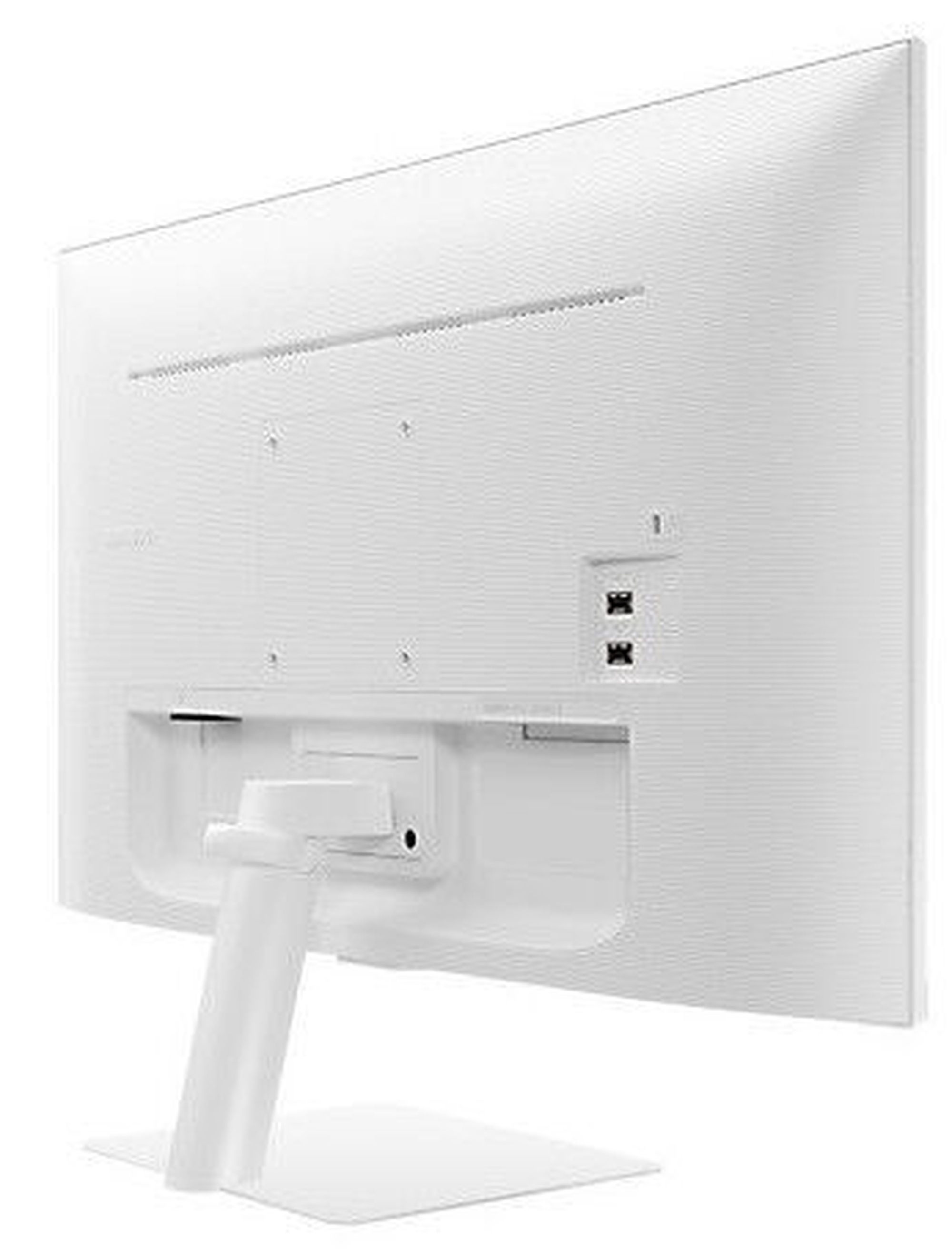
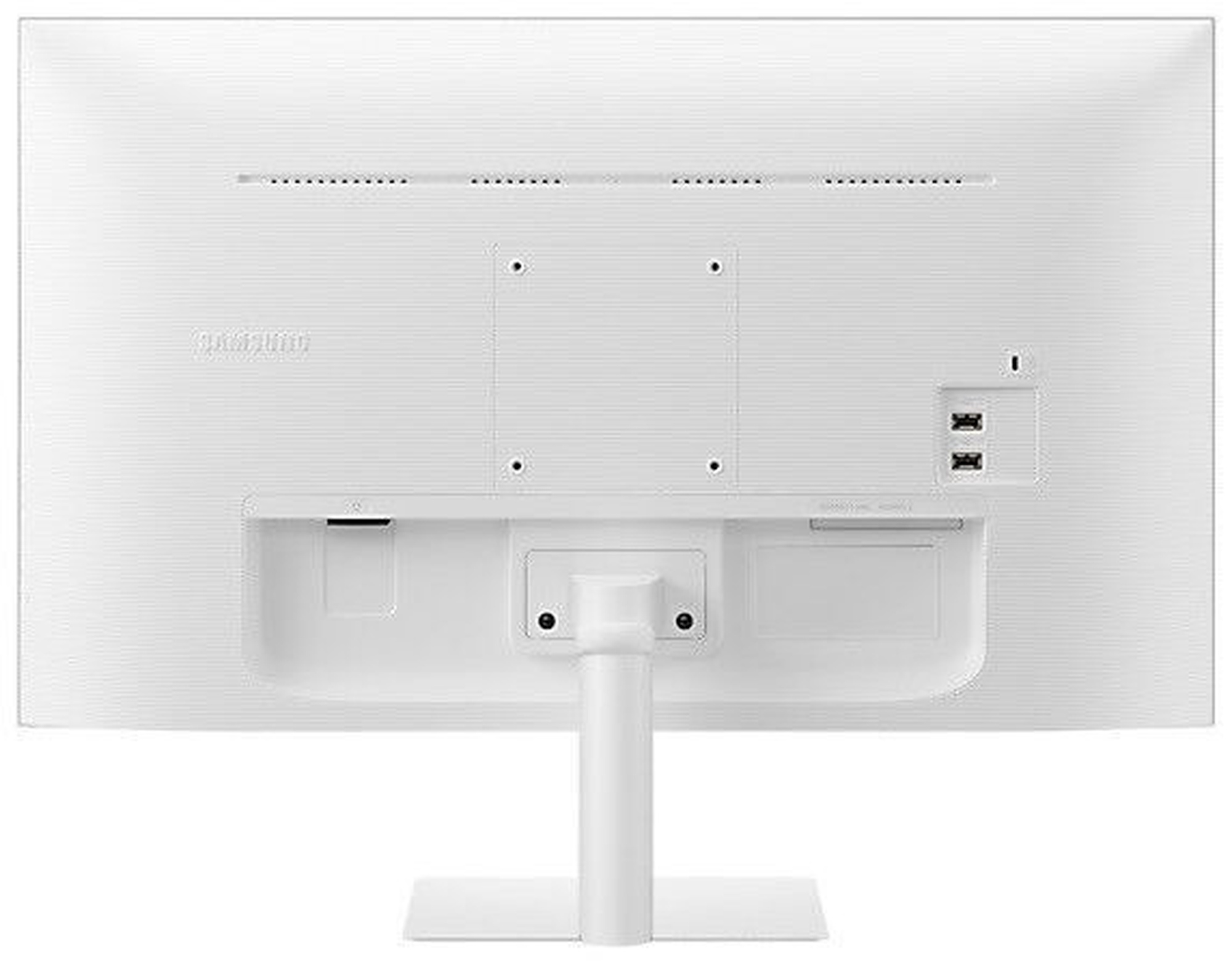
Svars 6.2 kg

Papildus

Regulējams
Lietotājam ir iespēja regulēt monitora augstumu, slīpumu, kā arī citos gadījumos ir iespējams monitoru pagreizt pa apli un vertikāli. Tas atkarīgs no monitora modeļa.
Slīpums
VESA standarts
Monitori ar šiem stiprinājumiem pievienojami pie sienas. Tiek norādīts arī monitoram nepieciešamais stiprinājuma izmērs.
100 x 100
nVidia G-Sync Nē
AMD FreeSync Nē
Obligātā garantija 24 mēn
Garantija juridiskām personām 12 mēn
Preces apraksts angļu valodā:

The Do-It-All Screen gets all-around style

For any kind of look, for every side of life. Work without a PC, stay connected with Office 365, and access your office computer from home. Enrich your free time with the on-board one-stop entertainment hub. This display fits beautifully wherever you put it.

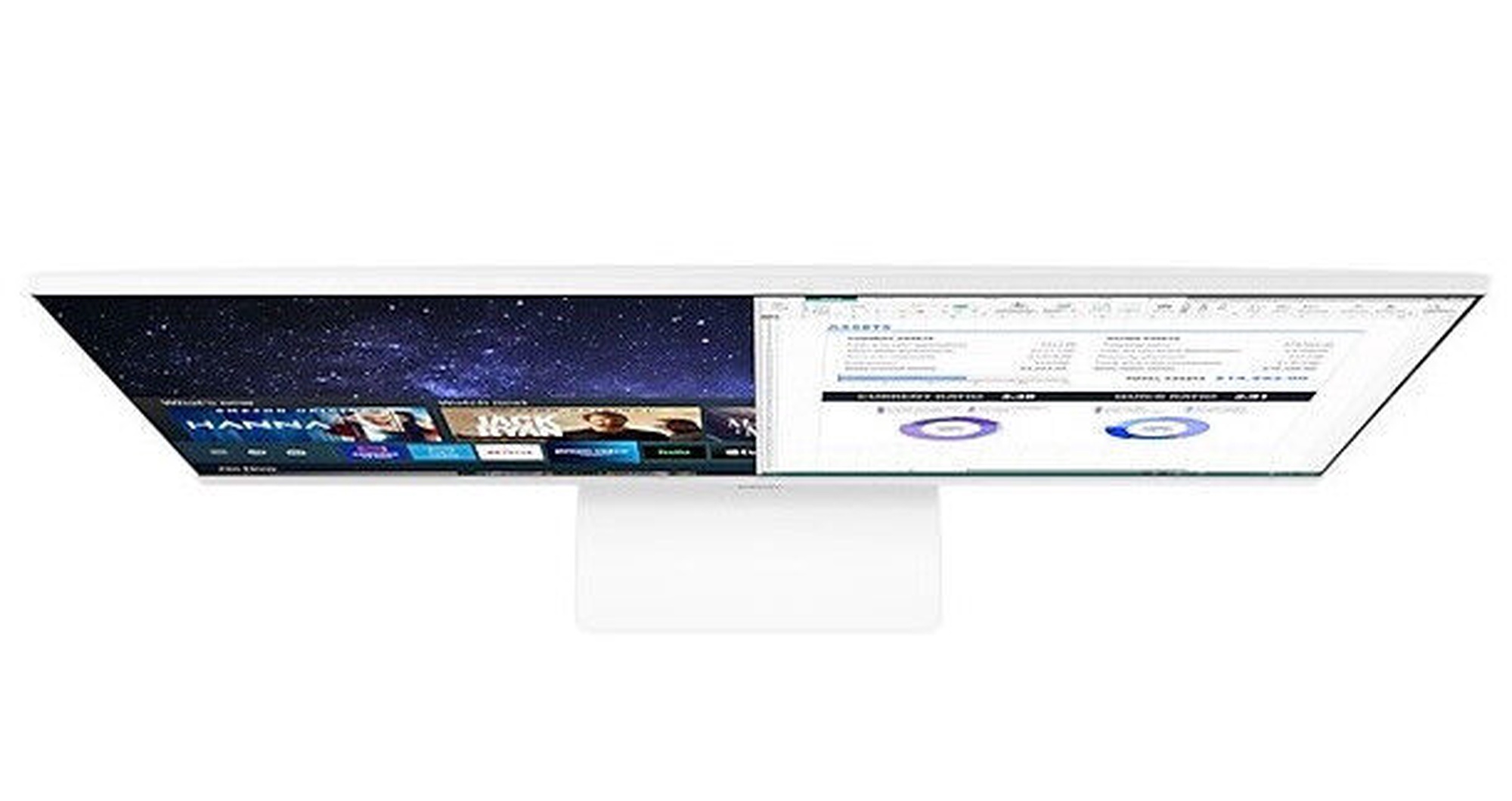
Below the title Smart Monitor a vertical line divides two different images of a monitor. The line slides right to reveal an office desk with PPT on the monitor and the words Work without PC, and slides left to reveal a home desk with a movie playing on the monitor and the words Play simple & easy

Slim, sleek design to suit any space

Complement any space. The super slim monitor depth and 2.5mm metal stand seamlessly blends into any setup, minimizing desk footprint and maximizing workspace for creativity and comfort. The borderless, clean white design also provides a sleek, understated style to improve any interior setting.

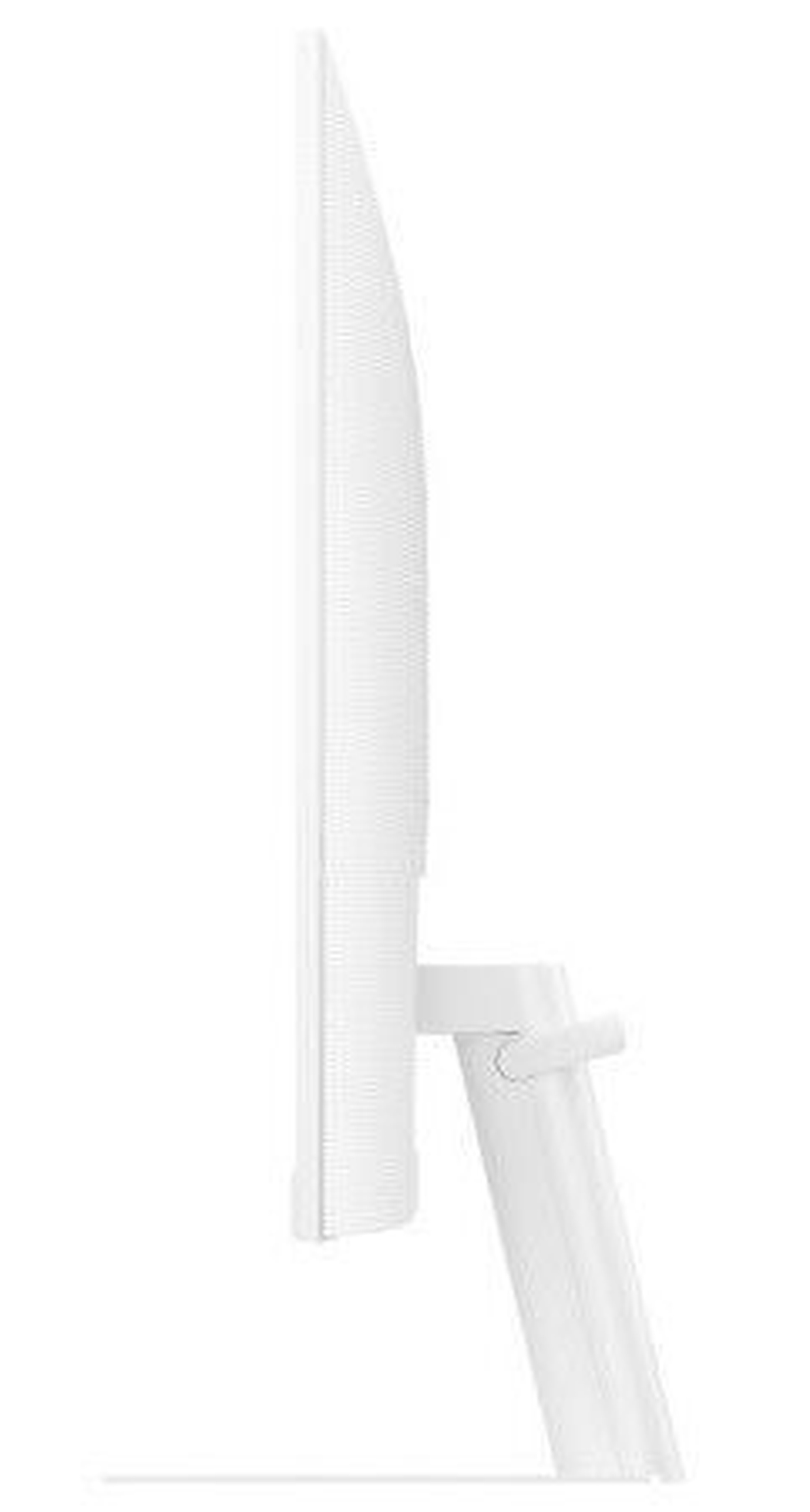
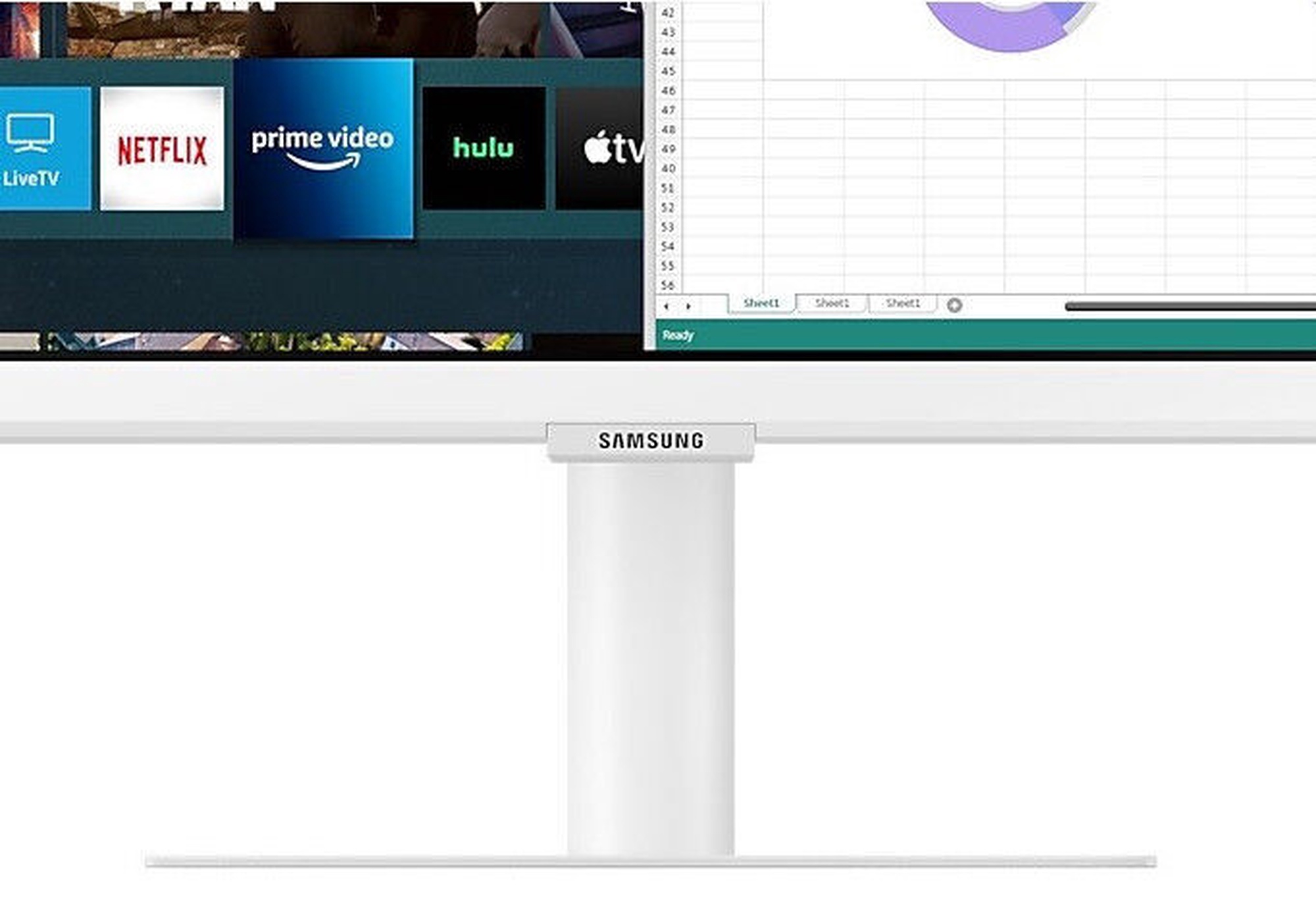
The M5 Monitor is on the desk. Sleek design is represented through the slim side. It shows a close-up of a slim metal stand, 3-sided borderless design.

Stream endless entertainment
Smart TV Apps

Binge watching got even easier. Access a bunch of entertainment apps, such as Netflix, YouTube, and HBO, without switching on your PC or laptop. The remote control and built-in speakers simplify your chill time.

Entertainment apps are displayed on the monitor. A person flips through apps with the monitor's remote control. All this features is powered by Tizen.

* App availability may vary by country** Subscription required*** Remote control specifications may vary by country**** TV tuner not included***** TV plus and Universal Guide functionality to be updated June 2021


Explore a world of entertainment effortlessly Samsung TV Plus & Universal Guide

Free TV, no strings attached. Just tune in to Samsung TV Plus on the Smart Monitor to enjoy 100% free live and on demand content with no downloads or sign-up required. Universal Guide offers content recommendations on top apps such as Netflix and Prime Video so you can spend more time watching.

* Content services may vary by regions and are subject to change without notifications. ** Requires internet connection *** Separate subscriptions may be required **** TV plus and Universal Guide functionality to be updated July 2021
Explore a world of entertainment effortlessly

Mobile meets big screen
Mobile Connectivity

Wireless DeX unlocks a full PC experience, without any PC. Use mobile productivity apps, such as video conferencing, documents, and browsers, through just your monitor and phone. To see photos or watch movies on the big screen, just tap it with your phone using Tap View.

A man connects a smartphone to his monitor using wireless DeX. At the top are the DeX, Tap View, and Mirroring icons.

Mobile meets big screen
Mobile Connectivity

Wireless DeX unlocks a full PC experience, without any PC. Use mobile productivity apps, such as video conferencing, documents, and browsers, through just your monitor and phone. To see photos or watch movies on the big screen, just tap it with your phone using Tap View.

A smiling woman mirrors videos from her phone to her monitor. At the top are the DeX, Tap View, and Mirroring icons.

Connect to the world's first AirPlay2-enabled monitor
AirPlay 2

With a first-of-its-kind AirPlay 2 integration, use Apple devices to work and play on the big screen. Improve workflow by creating a wireless dual monitor setup with your MacBook and Smart Monitor. When it's time to relax, effortlessly enjoy videos, music, photos, and more from your iPhone or iPad.

A laptop and a monitor is connected wirelessly and an email is being written on the laptop with the image from the monitor.

Connect to the world's first AirPlay2-enabled monitor
AirPlay 2

With a first-of-its-kind AirPlay 2 integration, use Apple devices to work and play on the big screen. Improve workflow by creating a wireless dual monitor setup with your MacBook and Smart Monitor. When it's time to relax, effortlessly enjoy videos, music, photos, and more from your iPhone or iPad..

A monitor is connected with a mobile, tablet, and a laptop and a content from the mobile and tablet is played on the monitor.

Work and learn from a distance PC on Screen

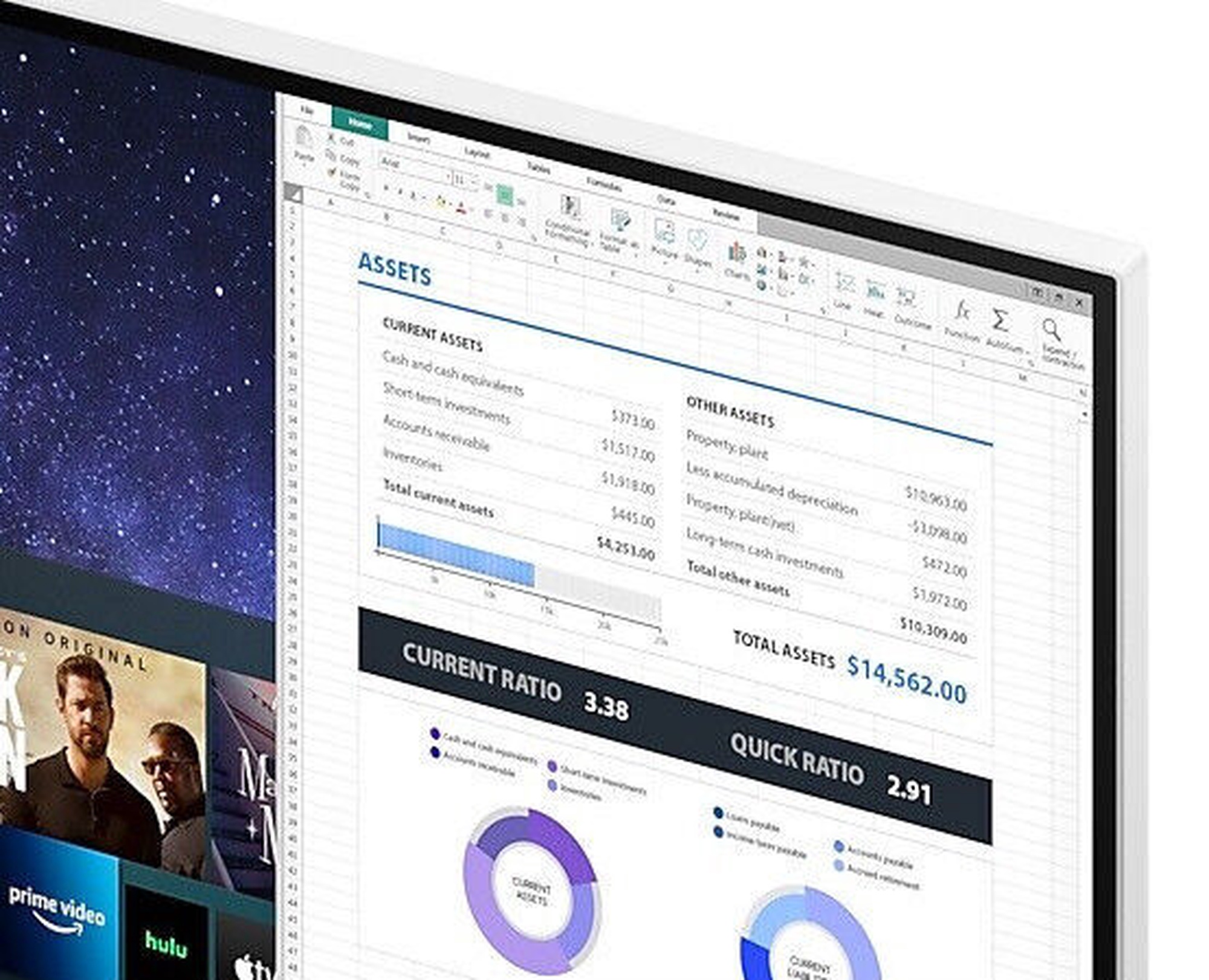
Work seamlessly from anywhere. Boost your productivity with PC on Screen features. Using the Microsoft 365 suite, view and edit documents, and conveniently save them all on the cloud. Even while at home, Easy Connection lets you work remotely on your school or office desktop.

* Windows 10 Pro, Mac OS 10.5, or higher, and compatible network settings are required for this feature**Microsoft 365 requires Microsoft account*** On-screen content simulated for demonstration purpose**** ’Remote Access’ feature will be upgraded to ‘PC on Screen’ as of June 2021
An office laptop shows 'Remote PC activated.' A woman at home uses a monitor. Office 365 and Cloud are shown in between.
Optimal brightness for any ambience Adaptive Picture

Sensational picture, day or night. Surrounding light is detected by a sensor to adjust brightness automatically with Adaptive Picture. Even in broad daylight, watch dark, gritty dramas without squinting and straining your eyes to see the picture.

Just say "play" to play
Voice Assistant

Your monitor listens to what you tell it. Switch between apps, control videos, and more through the Voice Assistant or SmartThings app.

A woman speaks to the monitor. And a video is played on it. The Bixby and SmartThings icon is in the right corner.

Plug and see
Auto Source Switch +

No more switching around. With Automatic Source Switch Plus, your monitor detects newly connected devices as soon they're plugged in, and displays the correct signal. No more searching for the right input on the menu.

A laptop is connected to the M5 and a conventional monitor that auto source switch not supported. Only the M5 shows the laptop's display with Auto Source Switch +.

Reveal the game's hidden sides
Ultrawide Game View

Keep your eye on the win. Adjust your screen to 21:9 to discover hidden areas in game scenes with Ultrawide Game View. Now when you play soccer games, see more of the pitch right up to the goalposts. And in driving games, get a natural and encompassing view of the road ahead.

The monitor shows a photo of a penalty kick in a soccer match. As the 16:9 ratio display transforms to 21:9, the goalkeeper on the right and other players behind the kicker on the left are revealed. The additional view on each side highlighted by dotted lines.

* Availability limited to source devices which support 21:9 output** May function differently depending on game or content being viewed

Preces krāsa var atšķirties no attēlā redzamās. Produkta apraksts ir vispārīgs, tajā ne vienmēr ir minētas visas produkta īpašības. Produktu cenas e-veikalā var atšķirties no cenām lielveikalos un servisa centros. Preču atlikums noliktavā un e-veikalā var atšķirties, tāpēc šādos gadījumos piegādes nosacījumi var atšķirties no tiem, kas norādīti pasūtījuma veikšanas brīdī un / vai nevarēsim izpildīt Tavu pasūtījumu vai tikai daļēji izpildīt (tādos gadījumos Pircējs tiek informēts nekavējoties). AI Modified - Rediģēts, izmantojot MI

Pamanīji kļūdu preces aprakstā, īpašību tabulā vai attēlu galerijā? Ziņo mums