Pievienojies SMART NET un ietaupi! Pievienoties

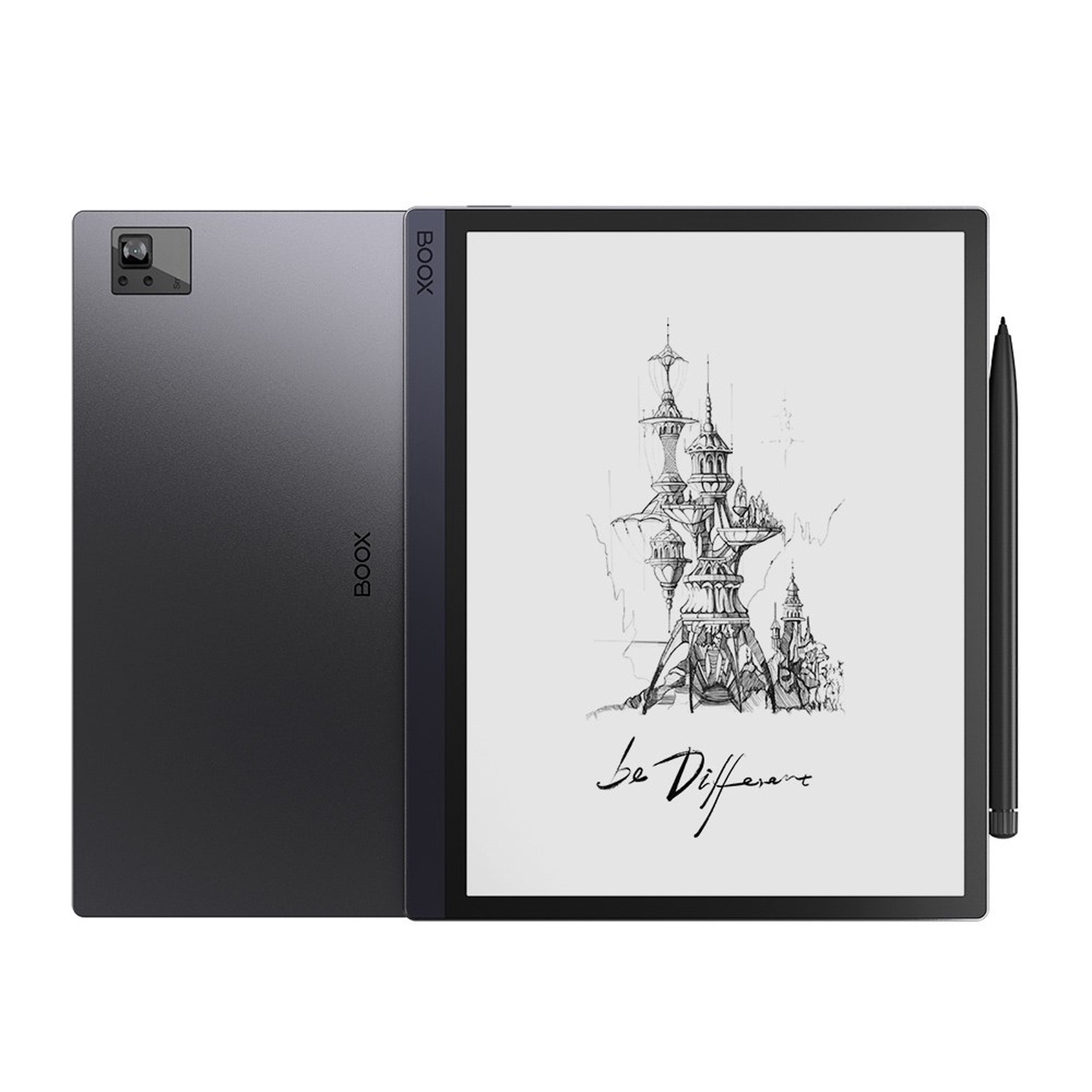
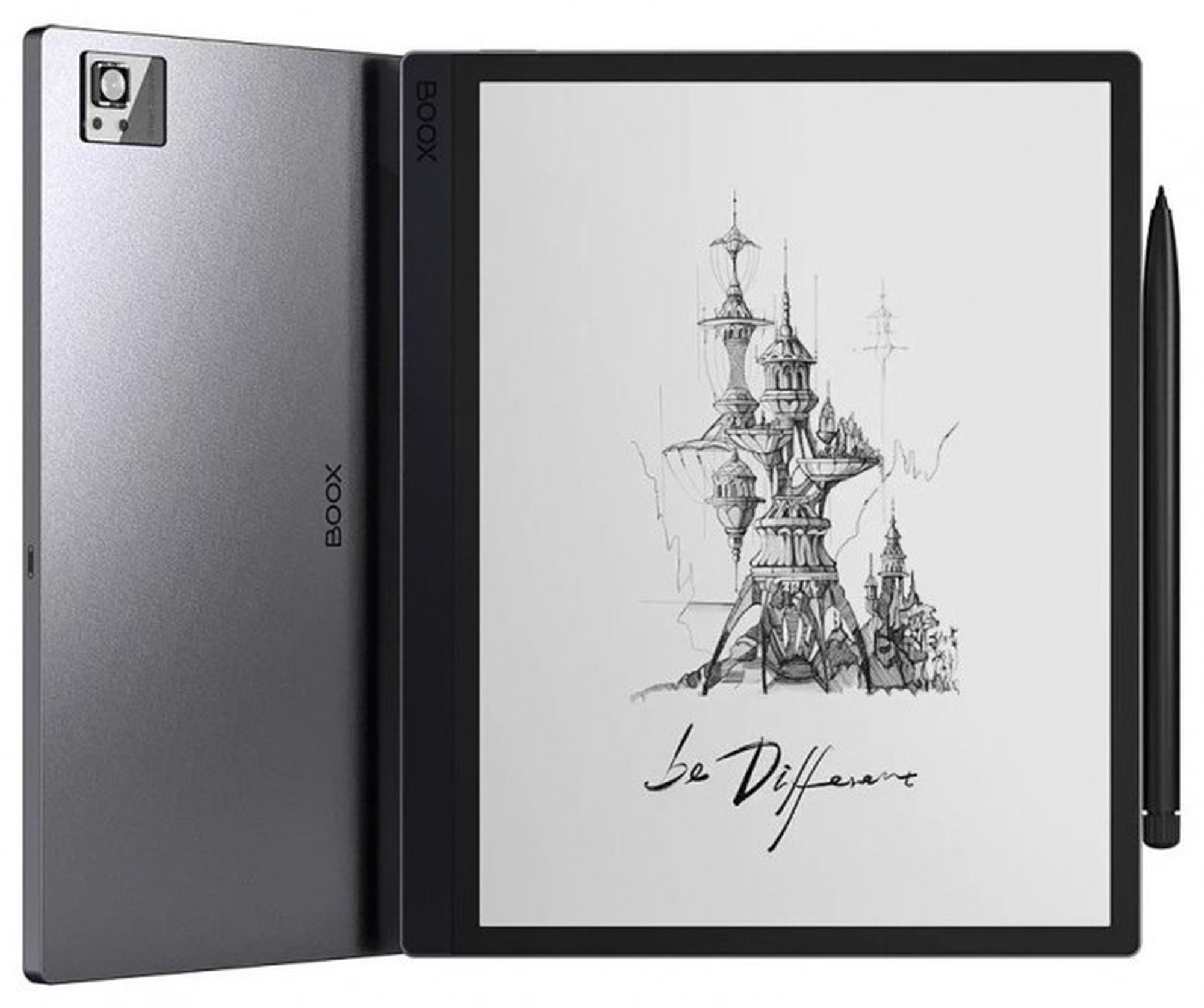
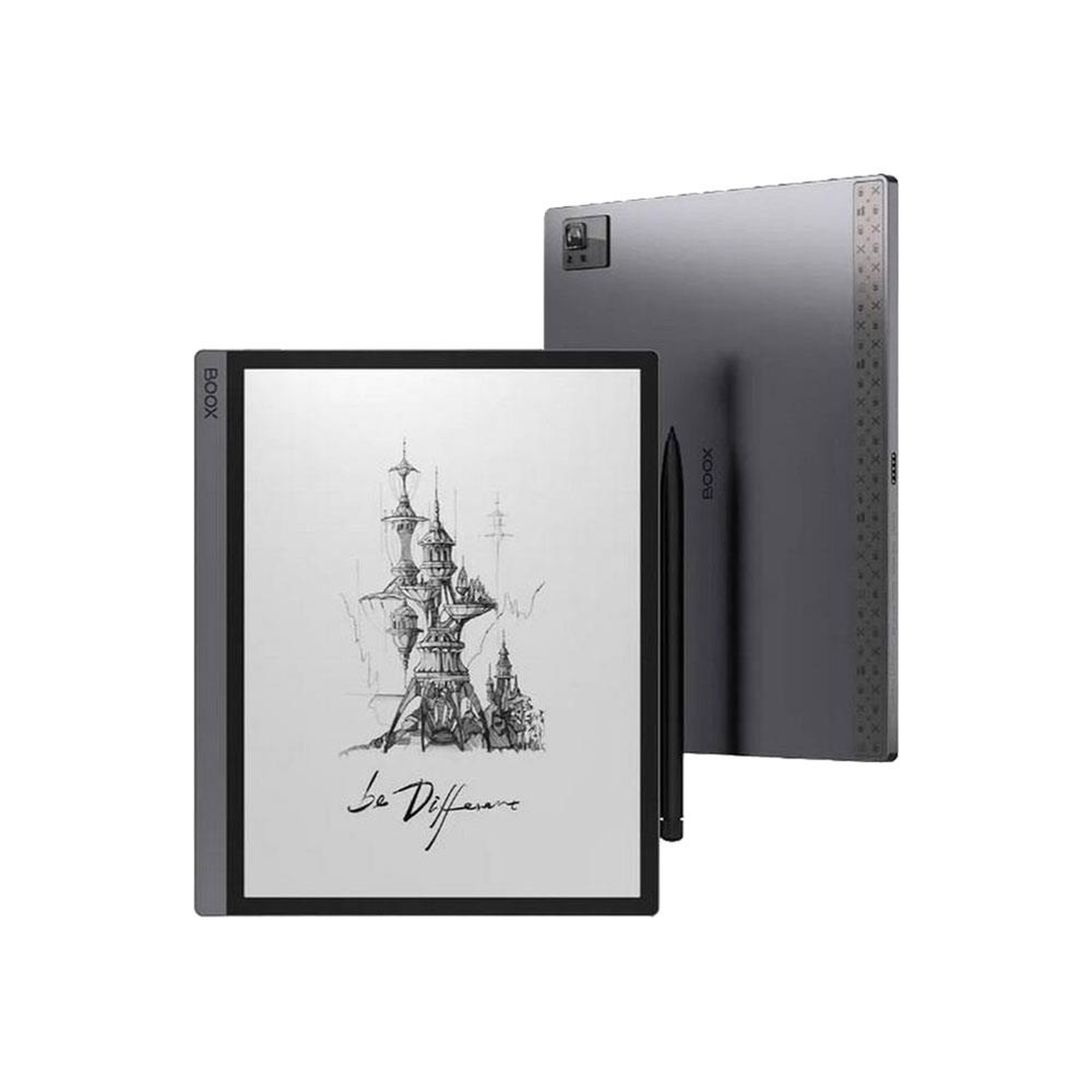
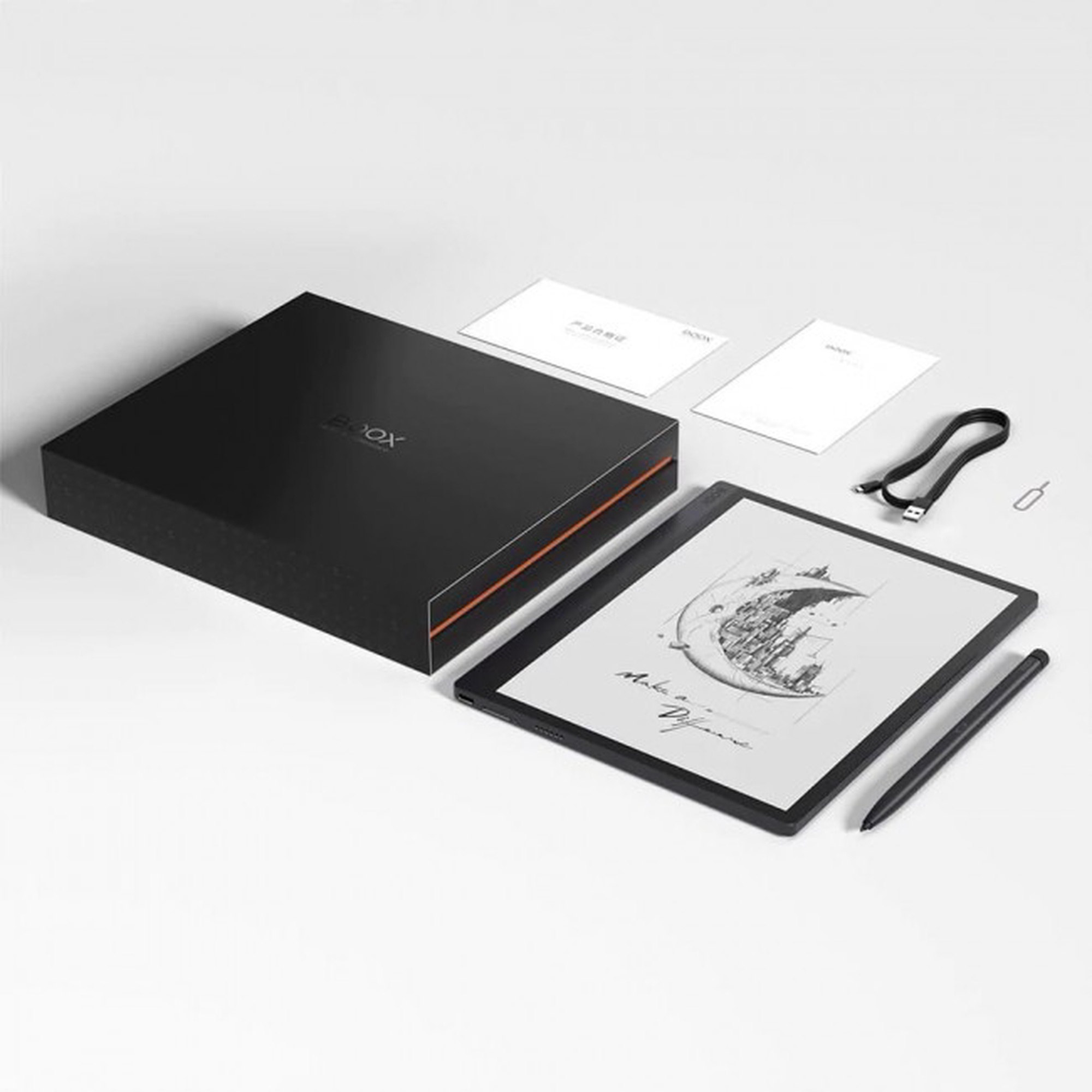
Planšetdators Onyx Boox Tab Ultra, 10.3", 4GB/128GB, melna krās.


Atvaino, šī prece šobrīd nav pieejama internetā. Taču piedāvājam pārskatīt citas šīs kategorijas preces – ticam, ka atradīsi līdzīgu preci.

Tāpat vari turpināt iepirkšanos, atgriežoties sākumlapā vai meklēšanas laukā ierakstot, kādu preci meklēji.
Informācija

Izstrādājuma īpašības

Kopējie parametri

Produkta veids Planšetdatori
Zīmols Onyx
Modelis Boox Tab Ultra
Korpusa materiāls Plastmasa, Stikls

Izmēri, svars un krāsa

Krāsa Melna krās.
Garums 22.5 cm
Platums 18.45 cm
Augstums 0.67 cm
Svars 480 g

Operētājsistēma

Operētājsistēma
Rādītājs “operētājsistēma” nosaka, kāda legāla operētājsistēmas licence ir iekļauta ierīces komplektā. Tas ir kontroles un apstrādes programmu komplekss, kas domāts datoru ierīču, mobilo iekārtu un skaitļošanas procesu vadībai. Android ir operētājsistēma mobīlajām iekārtām (viedtālruņiem un planšetdatoriem), kas darbojas uz Linux kodola bāzes. iOS ir Apple mobīlā operētājsistēma. Windows Phone ir Microsoft mobilo operētājsistēmu sērija.
Android
Operētājsistēmas versija ir instalēta 11

Ekrāns

Ekrāna izmērs pa diagonāli
Ekrāna izmērs tiek norādīts collās pa diagonāli. Jo lielāks ir ekrāns, jo augstāku izšķirtspēju tas parasti atbalsta.
10.3 "
Ekrāna izšķirtspēja
Jo lielāka izšķirtspēja, jo skaidrāks attēls.
1404 x 1872
Ekrāns ar paaugstinātu izturību Nav
Ekrāna tips
Planšetdatoriem raksturīgs skārienjūtīgs ekrāna tips. Sensoru ekrāns (skārienjūtīgais) reaģē uz pieskārieniem. Šāda ekrāna priekšrocības ir vienkārša saskarsme, ātrā informācijas ievade un palielinātas multimediju iespējas.
E-Ink
Ekrāna virsmas tips Matēts

Procesors un video karte

Procesora tips Qualcomm
Procesora modelis
Centrālais procesors (angļu val.: Central Procesor Unit – CPU) ir jaudīgs mikroprocesors. Tas veic datu apstrādi un ļauj datoram darboties.
Qualcomm Octa-core + BSR GPU
Procesora kodoli
Jo vairāk kodolu, jo jaudīgāks procesors.
8

Atmiņa

Operatīvā atmiņa (RAM)
Operatīvā atmiņa (no angļu valodas RAM - Random Access Memory) ir īslaicīga datu krātuve. Tajā glabājas informācija, kas var būt gan programmas, gan dati. Jo augstāks rādītājs, jo planšetdators var veikt vairāk vienlaicīgus uzdevumus.
4 GB
Atmiņas ietilpība
Jo lielāks iekšējās atmiņas apjoms, jo vairāk spēles, filmas, mūziku un programmas jūs varat ierakstīt sava datora cietajā diskā.
128 GB
Atbalstītās atmiņas kartes
Šis rādītājs nosaka, kāds ir jūsu datora maksimālais iespējamais atmiņas apjoms. Jo lielāks, jo vairāk datus iespējams saglabāt.
MicroSD

Internets un bezvadu savienojumi

Bezvadu savienojums (WiFi)
WiFi ir bezvadu savienojums ar tīklu. Mūsdienās jaunākais ir 802.11 B/G/N pieslēgums, kuram ir augstākā ātrdarbība (150 -300 Mb/s) un drošība. Ar 802.11 B/G arī var pieslēgties praktiski visiem tīkliem, tikai maksimālā ātrdarbība, pieslēdzoties N tipa tīklam, būs 54 Mb/s.
Jā
WiFi tiešā saskarne
WiFi Direct (agrāk pazīstama kā WiFi Peer-to-peer) - standarts, kas ļauj divām vai vairākām Wi-Fi ierīcēm savienoties bez piekļuves punktu vai maršrutētāja izmantošanas. WiFi Direct nodrošinās bezvadu savienojuma izveidi ar vienas pogas spiedienu, bez vajadzības pēc sarežģītām konfigurācijām. Un, pateicoties šai funkcijai, Jums būs iespēja pārsūtīt datus no vienas ierīces uz otru (piemēram, attēlus, mūziku u.c.).
Nē
3G savienojums
3G ir ātrgaitas mobilā piekļuve tīkla pakalpojumiem, izmantojot SIM-karti.
Nē
4G savienojums
4G ir jaunākās paaudzes platjoslas mobilais interneta tīkls, kas nodrošina zibenīgu un stabilu internetu ar maksimālo ātrumu līdz pat 150 Mbit/s.
Nē
Bluetooth interfeiss Jā
NFC
NFC (angļu val.: Near Field Communication) ir tehnoloģiju kopums, kas nodrošina īsa rādiusa bezvadu savienojumu. Piemēram, Jums ir iespēja veikt pakalpojumu apmaksu, vai pārsūtīt datus starp ierīcēm (piemēram, viedtelefonu un planšetdatoru) kas atbalsta NFC!
Nē

Fiziskie savienojumi un vadība

USB 2.0 savienotāju skaits 1
USB 2.0 savienotāju tips C tipa
HDMI pieslēgvietu tips
Tas ir ciparu savienotājs, ar kura palīdzību var pieslēgt televizoru, projektoru un citas ierīces, kas nodod attēlu portatīvajam datoram. Atšķirībā no VGA, HDMI nodod skaņu un attēlu bez traucējumiem un augstā izšķirtspējā ( HD, Full HD – ja ir pieejams).
Nav
3.5mm austiņu kontakts Nē

Foto un video kamera

Priekšējā kamera
Digitālā kamera (WEB kamera) nodrošina attēla pārraidīšanu, ļaujot sazināties, piemēram, skype, piedalīties video konferencēs, kā arī izmantot citas piedāvātās interneta pasaules iespējas.
16 MP
Aizmugurējā kamera
Jo vairāk megapikseļu, jo kvalitatīvāku un skaidrāku attēlu iespējams uzņemt.
-

Iebūvētas papildus ierīces

Navigācijas (GPS) funkcija
GPS navigators ir globāla satelīta sistēma, kura ļauj noteikt jūsu atrašanās vietu un attēlo to uz planšetdatora vai telefona ekrāna ar jūsu norādītām koordinātēm kartē.
Nē
Iebūvēts mikrofons
Var lietot komunikācijai skype, google talk un citās programmās.
Nē
Iebūvētie skaļruņi Nē
Pirkstu nospiedumu lasītājs Nē

Baterija

Akumulatora jauda
Mēdz būt divu veidu baterijas jeb akumulators – litija - jonu (Li-ion), kas tiek izmantots lielākajā daļā portatīvo datoru, un litija – polimēra (Li-poly).
6300 mAh

Papildus

Īpaša aizsardzība Nav
Aizsardzības līmenis (IP) Nav
Klaviatūra komplektā Nē
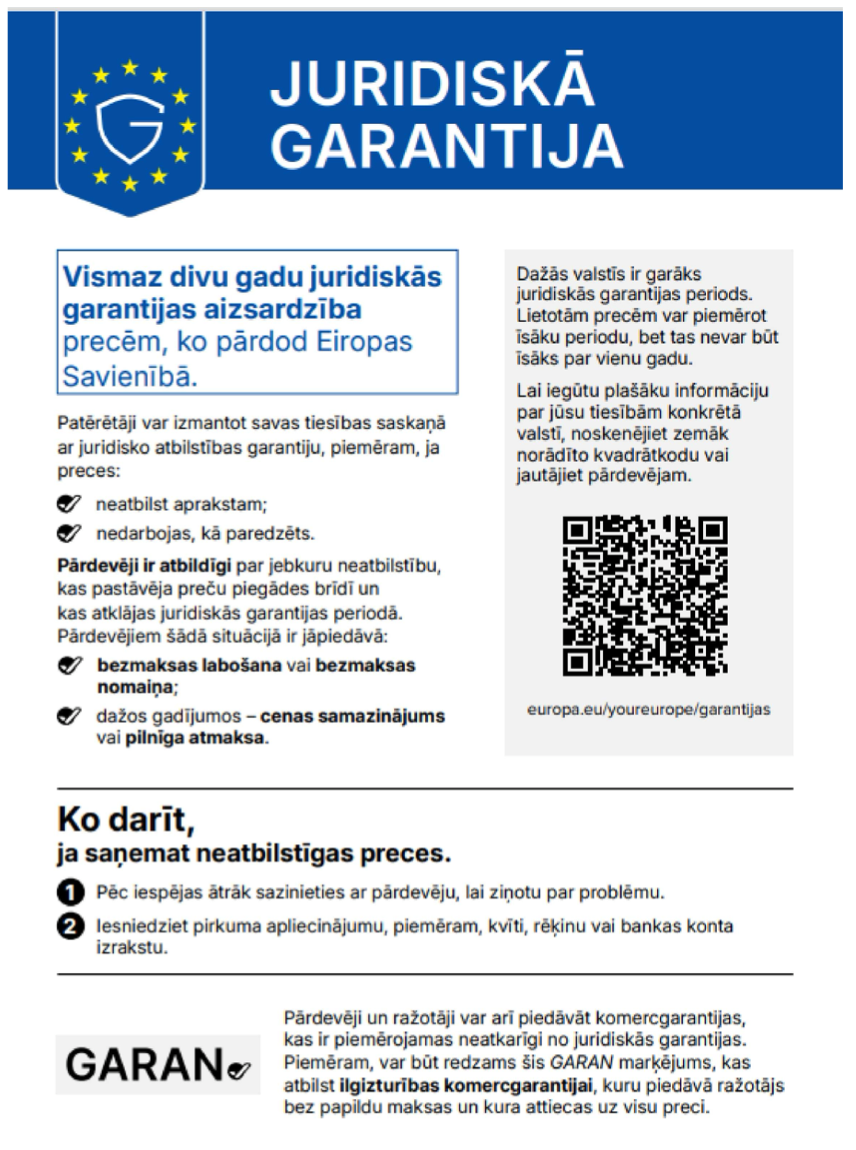
Obligātā garantija 24 mēn
The groundbreaking E-Ink tablet from Onyx Boox

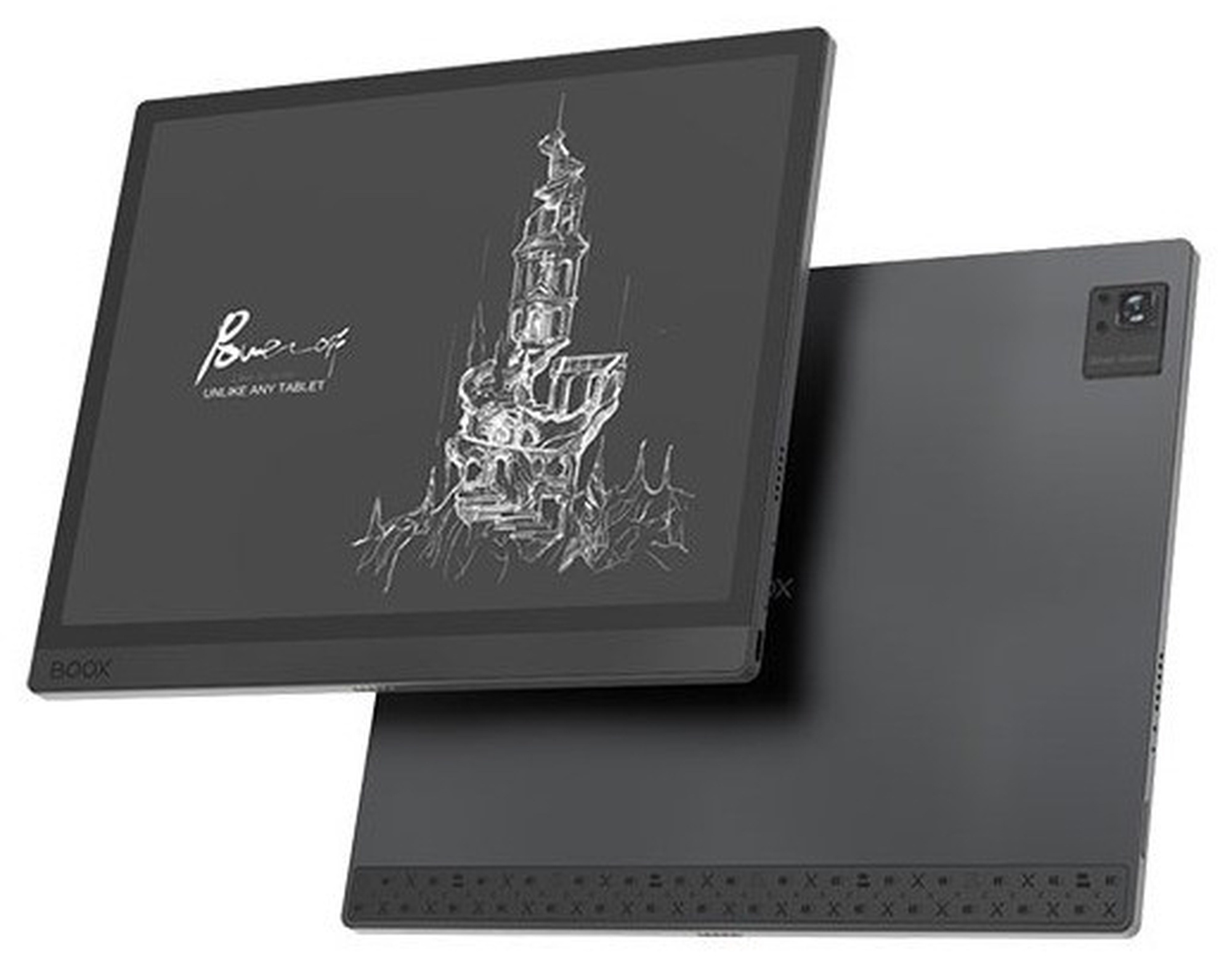
Boox Tab Ultra is the first ever E-ink notebook with a built-in camera for scanning and processing documents and a dedicated graphics processor for faster and smoother image processing on the E-ink screen. Improved image refresh technology and strong components will make your document reader as fast as a tablet.

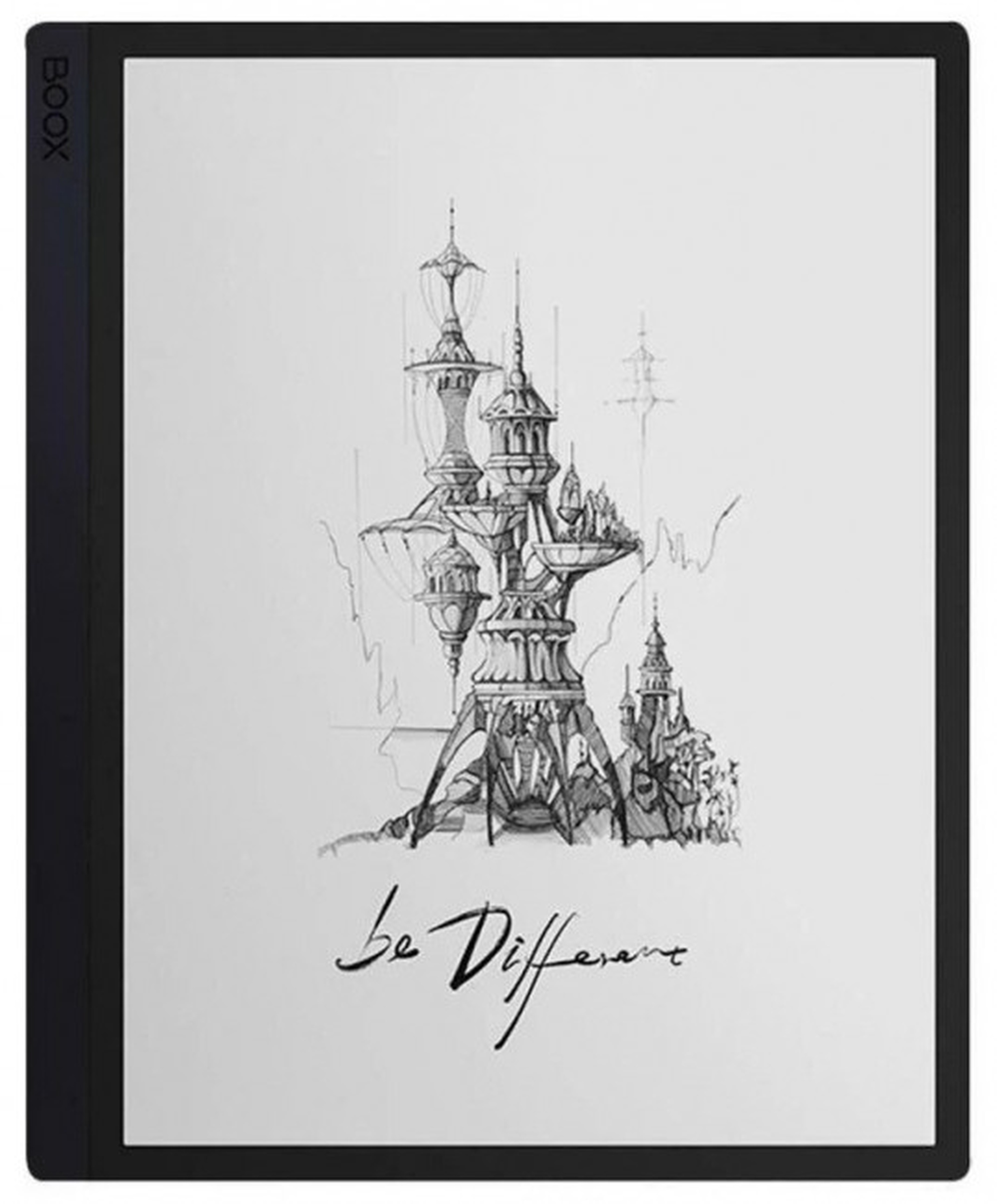
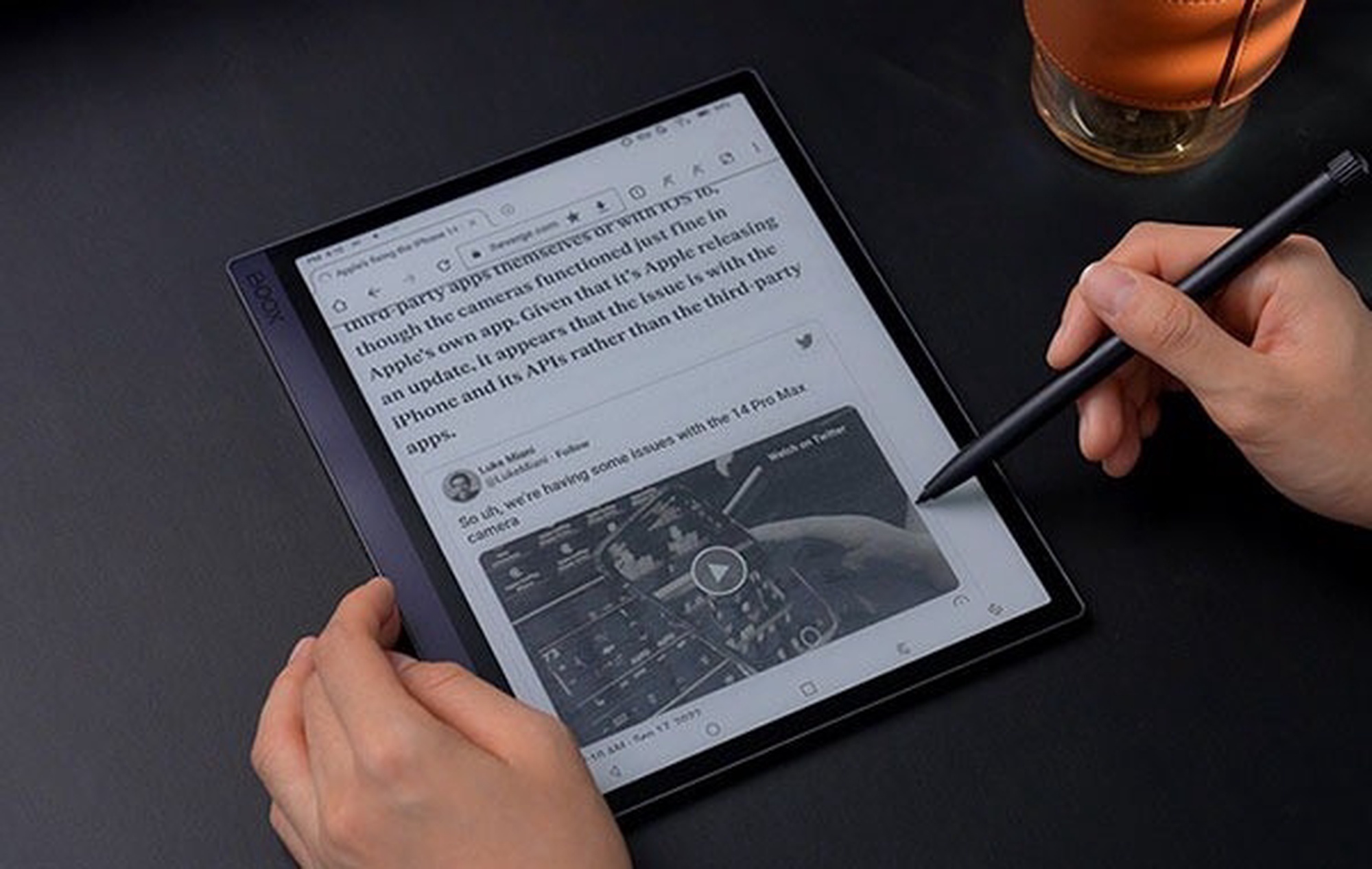
The 10.3-inch HD E-ink Carta screen will clearly display documents, PDF files, scientific publications and magazines. The matte coating and anti-reflective properties allow for comfortable reading and taking notes even in direct sunlight, and the even backlight with adjustable intensity and color ensures comfortable reading even in dark surroundings.

BOOX Super Refresh

The specially designed BOOX Super Refresh technology offers four image rendering modes that will adapt to whatever task you are working on.

Thanks to the support of the graphics processor, browsing websites and using applications in dedicated modes is faster and more multimedia. However, the book reading and note-taking mode provides the highest image quality combined with excellent stylus responsiveness.

WACOM always at hand

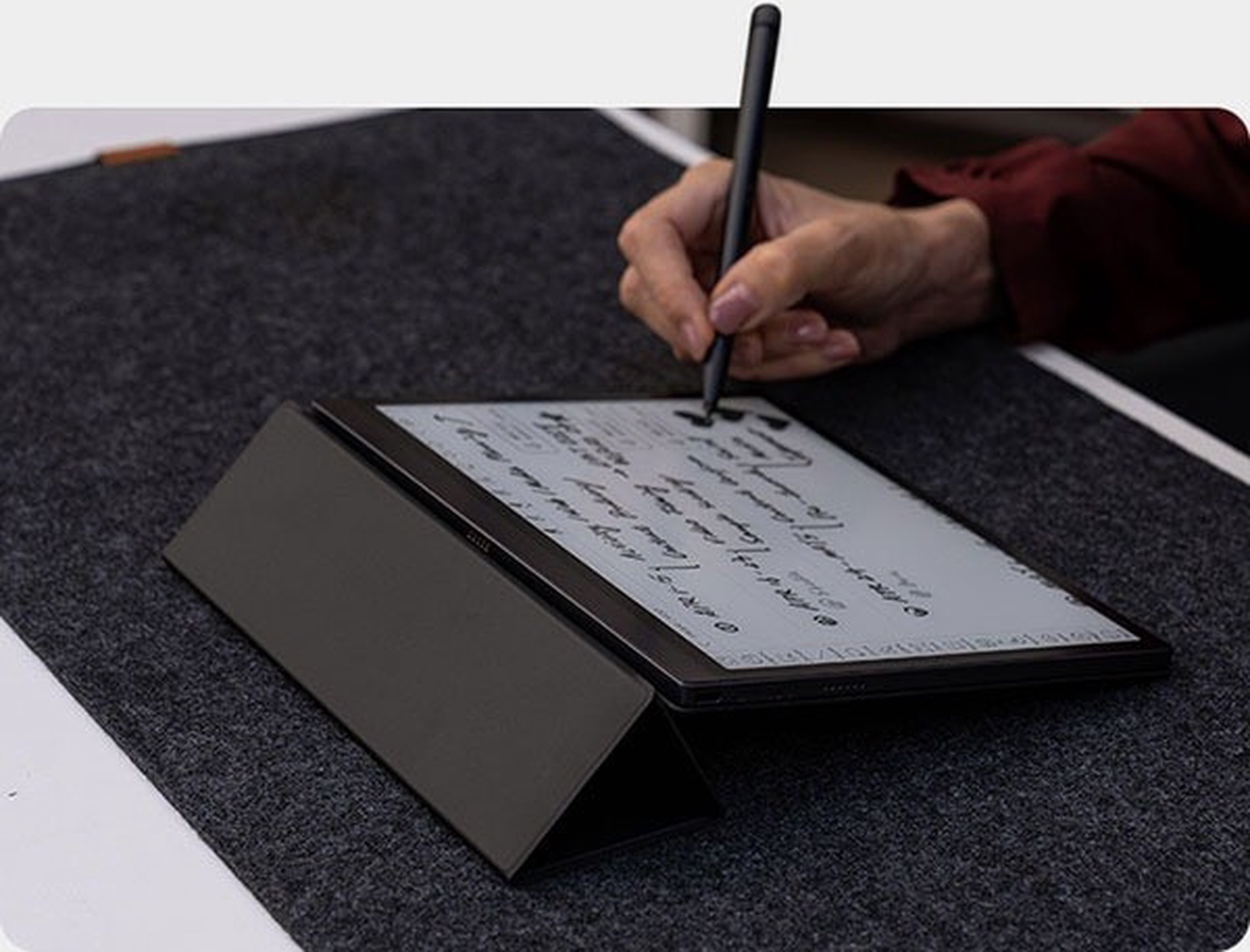
Precise WACOM technology and the included Pen 2 Pro stylus with an integrated eraser are perfect for creating handwritten notes, editing texts or signing documents. The touch screen coating is 50% thinner compared to previous generations, which makes the Tab Ultra even more faithful to the natural feeling of writing on paper. And replaceable stylus tips with a graphite structure will make you feel like a professional architect when sketching.

All this combined with the notebook application allows you to create professional notes. Multiple available brushes ensure comfortable writing, and handwriting recognition will convert your handwritten notes into electronic text. Available templates, layers, sorting notes and creating folders will make your daily work and learning easier. Additionally, you can enrich your notes with audio recordings or photos and hyperlinks. Attachment options ensure that you have everything you need in your notes.

Scanning has never been easier

The built-in 16MP camera will scan the necessary documents and save them in the tablet's memory in a moment. You can then not only view the created scans, but also edit them by adding notes, highlights or comments.

Specially optimized interface

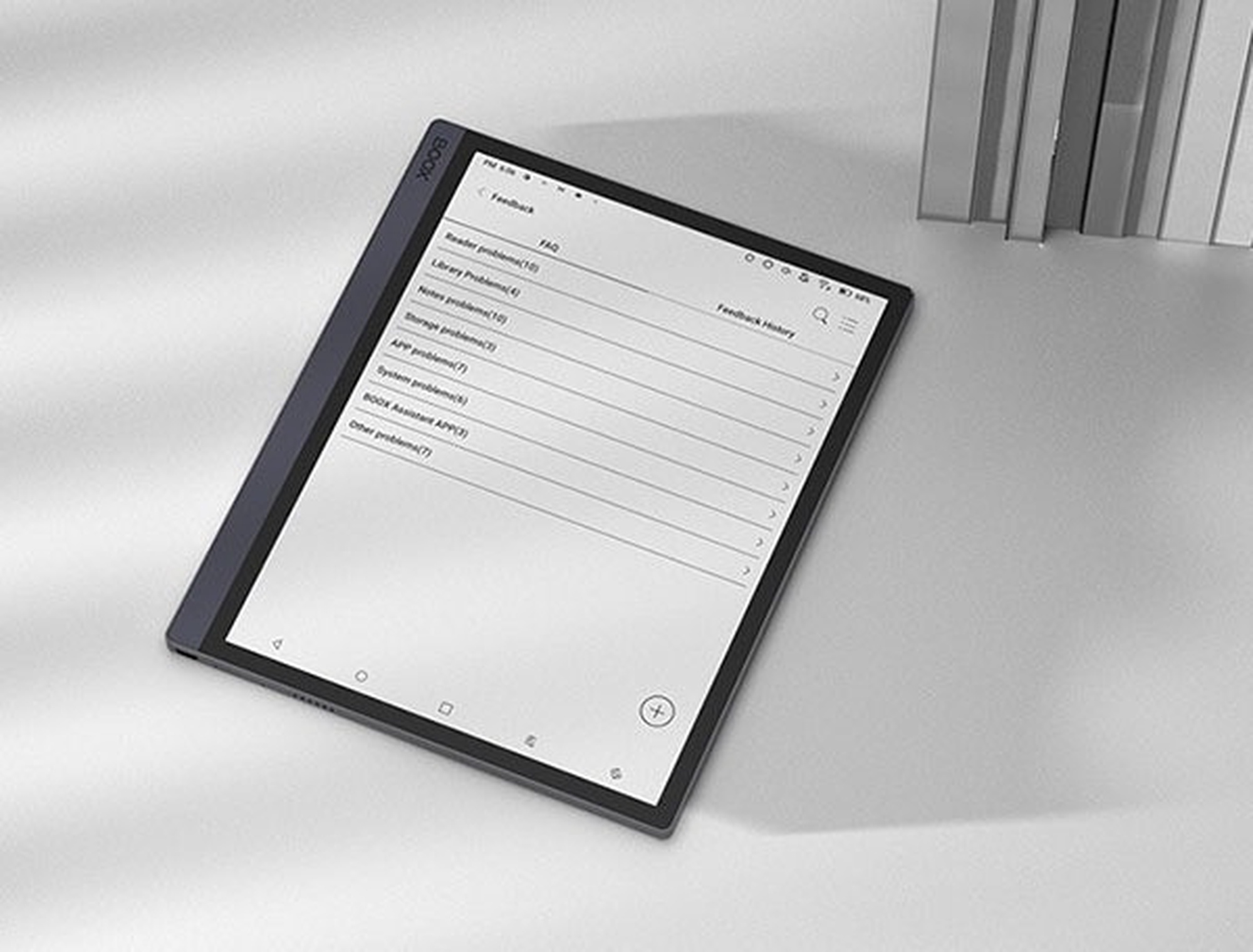
Add widgets, configure the bottom shortcut bar, quickly open apps when you summon Smart Assistant, or use two programs at once with the split-screen feature. The completely new interface has been adapted in appearance to the tablet's capabilities, but also to the user's requirements.

Your Boox Tab Ultra E-ink notebook provides two ways to navigate the interface. Gestures are activated by swiping from the bottom edge of the screen and allow you to select 3 different actions depending on where you swipe (left / center / right). The navigation bar appears at the bottom of the desktop and has 5 options: undo, return to home page, multitasking switcher, E-Ink Center and screen refresh.

Applications and all formats at your fingertips

Choose which items to install on Tab Ultra from thousands of apps available in the Google Play Store and enhance the functionality of your tablet. Mailbox, Word, PowerPoint, cloud drive, calendar, latest news and magazines from publishers around the world. Just a few clicks and they will all be on your E-ink tablet .

Choose from 24 of the most popular formats and easily open documents, e-books, comics and magazines. Tab Ultra will handle all the most important files and meet the highest expectations, while taking care of your eyesight.

E-ink notebook as fast as a tablet

To ensure that the Tab Ultra still impresses with its speed despite its advanced functions, it has an eight-core Qualcomm processor with an integrated graphics system and 4GB of RAM (LPDDR4X). The combination of these components ensures a fast and smooth tablet experience that easily matches the pace of your work.

So that you never run out of space

128GB of internal memory will accommodate thousands of files and many applications, 5GB of cloud memory will store all your notes and automatically create a backup copy of them, and that's still not all! Built-in OTG support and a microSD slot will also allow you to expand the memory using microSD cards or pendrives.

Convenient access to content

Synchronization with the ONYX cloud will not only automatically back up your notes, but also share files from other devices. Use the BooxDrop website and the BOOX Assistant phone app to open, sync, export and manage your notes, even when you don't have your reader with you.

A handy E-ink laptop is your option

Place the Tab Ultra in the specially designed case* with keyboard to use it as a laptop . The tablet's touch screen and available keyboard shortcuts ensure comfortable navigation around the interface, and the keyboard allows for comfortable typing. When you're done working, just close the case and your device will be well protected against dirt and scratches. (*case sold separately)

Preces krāsa var atšķirties no attēlā redzamās. Produkta apraksts ir vispārīgs, tajā ne vienmēr ir minētas visas produkta īpašības. Produktu cenas e-veikalā var atšķirties no cenām lielveikalos un servisa centros. Preču atlikums noliktavā un e-veikalā var atšķirties, tāpēc šādos gadījumos piegādes nosacījumi var atšķirties no tiem, kas norādīti pasūtījuma veikšanas brīdī un / vai nevarēsim izpildīt Tavu pasūtījumu vai tikai daļēji izpildīt (tādos gadījumos Pircējs tiek informēts nekavējoties). AI Modified - Rediģēts, izmantojot MI

Pamanīji kļūdu preces aprakstā, īpašību tabulā vai attēlu galerijā? Ziņo mums