Pievienojies SMART NET un ietaupi! Pievienoties

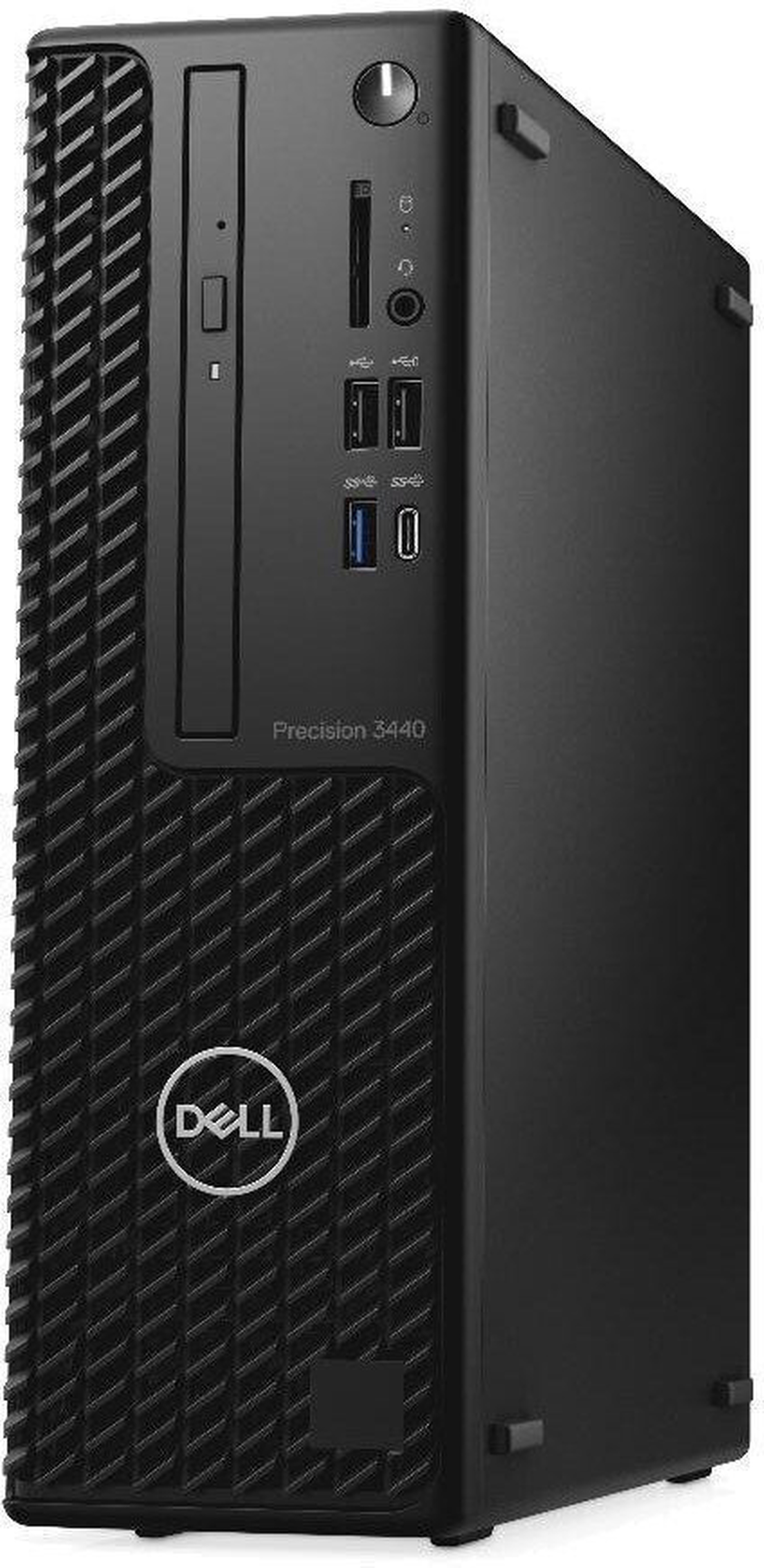
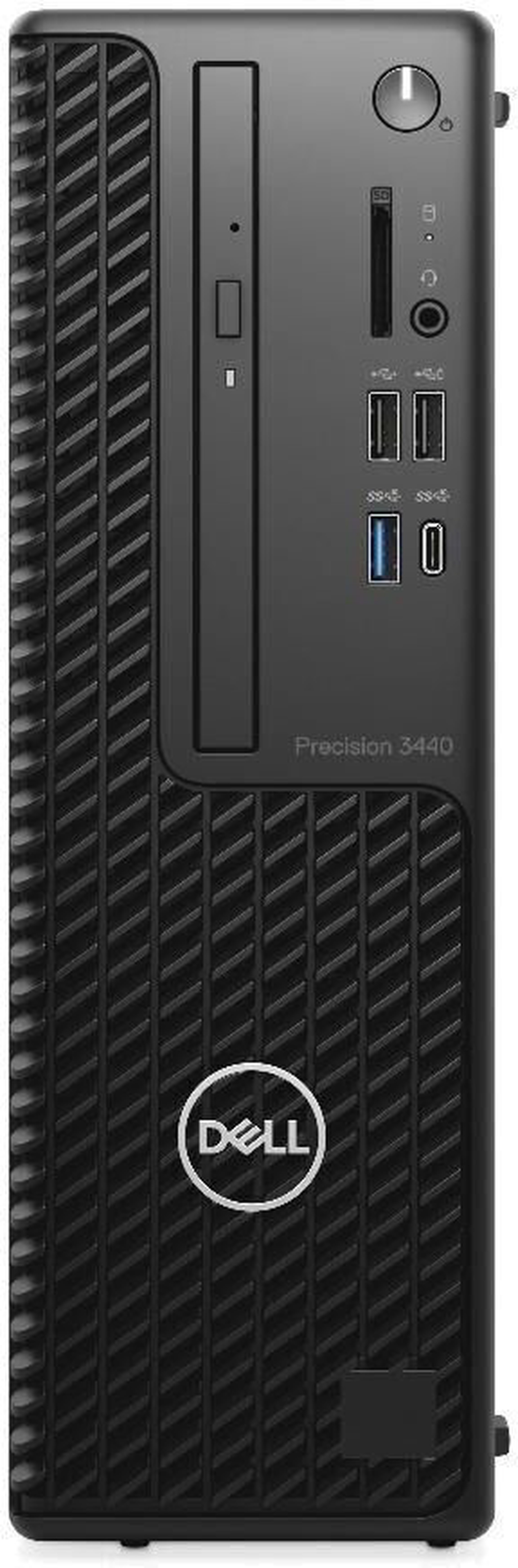
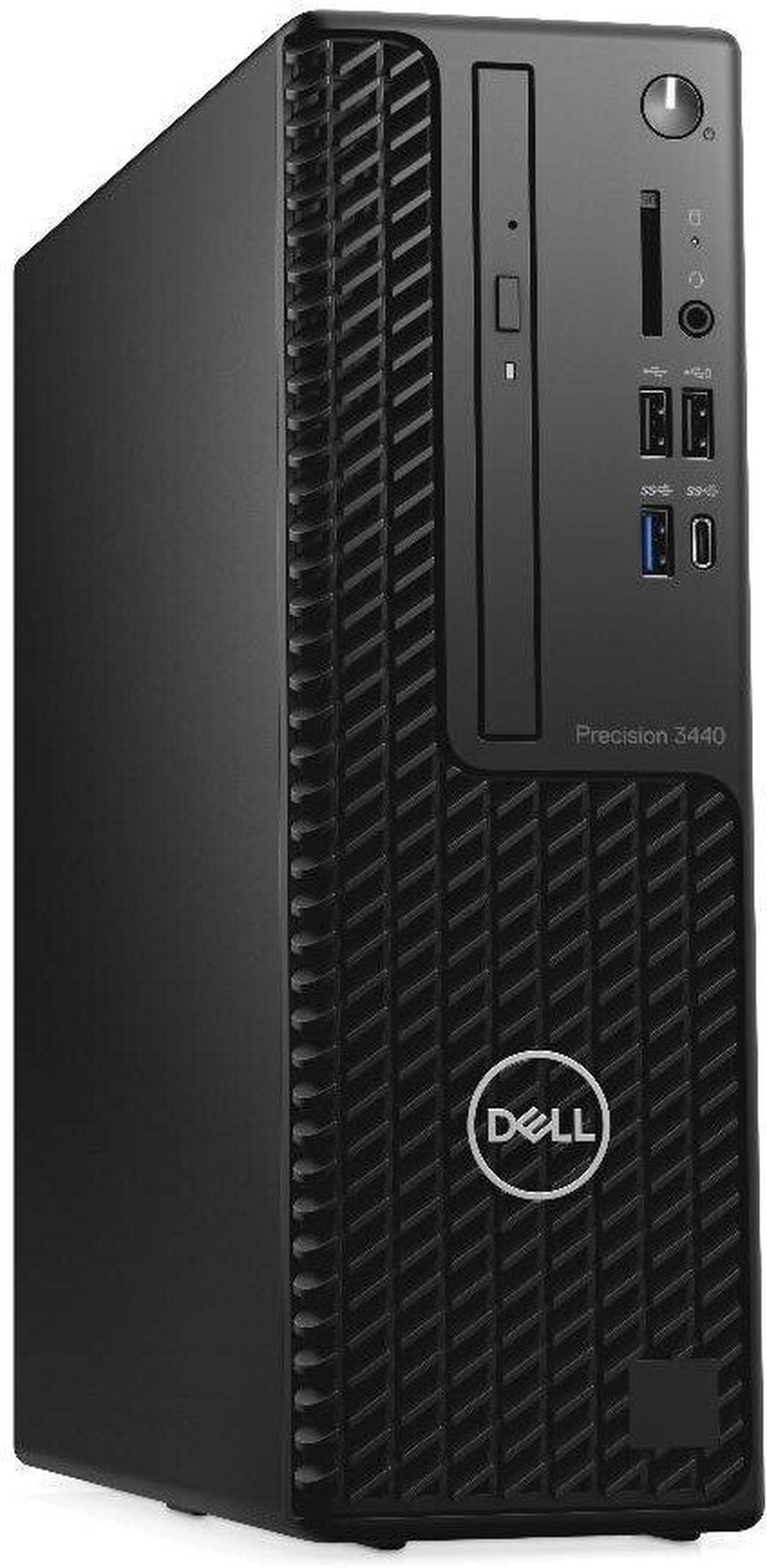
Stacionārs dators Dell Intel® Core™ i5-10500 (12 MB Cache, 3.10GHz), DDR4 8 GB 256 GB, Intel UHD Graphics Dynamic, Windows 10


Atvaino, šī prece šobrīd nav pieejama internetā. Taču piedāvājam pārskatīt citas šīs kategorijas preces – ticam, ka atradīsi līdzīgu preci.

Tāpat vari turpināt iepirkšanos, atgriežoties sākumlapā vai meklēšanas laukā ierakstot, kādu preci meklēji.
Informācija

Izstrādājuma īpašības

Kopējie parametri

Produkta veids Stacionārie datori
Zīmols Dell
Datora tips Biznesam
Operētājsistēma
Rādītājs “operētājsistēma” nosaka, kāda legāla operētājsistēmas licence ir iekļauta datora komplektā. Tā sastāvā ietilpst speciālas programmas un programmu līdzekļi, kas nodrošina datora aparatūras saskaņotu darbību, kā arī datora lietotāja izvēlēto programmu pilnvērtīgu izmantošanu. Operētājsistēma dod iespēju lietotājam vadīt datora darbu.
Windows 10

Procesors un mātes plate

Procesora klase Intel® Core™ i5
Procesora modelis
Dēvēts par datora “smadzenēm”, procesors veic datu apstrādi un ļauj datoram darboties. Centrālā procesora veiktspēja ir atkarīga gan no tā tipa, gan takts frekvences, kuru mēra GHz. Procesora takts frekvence ir ātrdarbības rādītājs. Procesoram ar lielāku takts frekvenci ir augstāka ātrdarbība pret procesoru ar vienādiem pārējiem tehniskajiem rādītājiem.
Intel® Core™ i5-10500 (12 MB Cache, 3.10GHz)

Operatīvā atmiņa

Operatīvās atmiņas tips
Atmiņas kopne ir paredzēta informācijas pārraidei starp mikroprocesoru un operatīvo atmiņu. Tā nosaka, kāda tipa operatīvo atmiņu uztur attiecīgā pamatplate.
DDR4
Operatīvā atmiņa (RAM)
Operatīvā atmiņa (no angļu valodas RAM - Random Access Memory) ir īslaicīga datu krātuve. Tajā glabājas informācija, kas var būt gan programmas, gan dati. Operatīvās atmiņas lielums nosaka, cik daudz failu vienlaikus varat lietot (attēli, web lapas, video), lai dators darbotos pietiekamā ātrumā. Jo augstāks rādītājs, jo dators var veikt vairāk vienlaicīgus uzdevumus.
8 GB
Maksimālais operatīvās atmiņas daudzums (RAM)
Šis rādītājs nosaka, kāds ir jūsu datora maksimālais iespējamais atmiņas apjoms. Jo lielāks, jo vairāk datus iespējams saglabāt.
128 GB

Cietais disks

Cietā diska ietilpība (HDD)
Cietais disks ( saīsināti dēvēts par HD vai HDD – no angļu val. Hard Disk Drive) ir galvenā datu nesēju ierīce, kas pastāvīgi uzglabā visus datus datorā. To lieto datorprogrammu un informācijas glabāšanai. Jo lielāka diska ietilpība, jo vairāk informācijas tajā iespējams ierakstīt (saglabāt). Mēdz būt divu veidu cietie diski – statiskais (SSD) un standarta (HDD).
-
SSD/eMMC diska ietilpība
SSD ( no angļu val. Solid State drive) diski ir jaunas paaudzes datu glabāšanas iekārtas, kuriem ir lielāks darbības ātrums, nekā HHD jeb parastajam cietajam diskam. Šo disku ražošanā tiek izmantotas zibatmiņas, kas sastāv no mikroshēmu kopuma un kontroliera, nodrošinot diska un datora mijiedarbību. SSD disku priekšrocība ir tā, ka disks gandrīz nemaz neuzkarst, un tā darbība ir pilnīgi nedzirdama.
256 GB

Audio un video

Video kartes tips Intel
Video kartes modelis
Mēdz būt divu veidu videokartes. Neiebūvētajai ir atsevišķa atmiņa, kas ir īpaši aktuāla spēlēm un grafiskām programmām. Iebūvējamās (integrētās) izmanto procesora resursus un izmanto nepieciešamo atmiņu no operatīvās atmiņas (dinamiskās atmiņa).
Intel UHD Graphics
Video kartes atmiņa
Jo augstāks šis rādītājs, jo ātrāka konkrētā modeļa video karte.
Dynamic
VR (Virtual reality) ready
Datora atbalsts uz simulētās virtuālās realitātes pasauli, kur iespēja mijiedarboties ar apkārtējo virtuālo vidi. Lai šo funkciju varētu izmantot ir nepieciešama papildus iekārta, kā piemēram: HTC Vive, Oculus Rift, u.c.
Nē

Savienojumi

Savienojumi
Interfeiss ir līdzekļu un noteikumu kopa, kura nodrošina cilvēka un programmas un aparatūras savstarpējo mijiedarbību.
Audio Out, Mini DisplayPort, PS/2, USB 2.0, USB Type C
Tīkla karte
Tīkla interfeisa kartes (angļu val. Network Interface Card -NIC) ir datora komponents, kuru lieto, lai datoru pieslēgtu datortīklam (tai skaitā – internetam). Tīkla karte ir saistīta ar IP adresi, kas ir adrese no datora tīklā.
Jā; (10/100/1000)

Korpuss un papildus ierīces

Korpusa modelis SFF
Diskdzinis
Mēdz būt divu veidu diskdziņi. Vieni atbalsta DVD/CD lasīšanu un ierakstīšanu, otri – DVD/CD/Blu-ray.
Jā
Pele komplektā Jā

Papildus

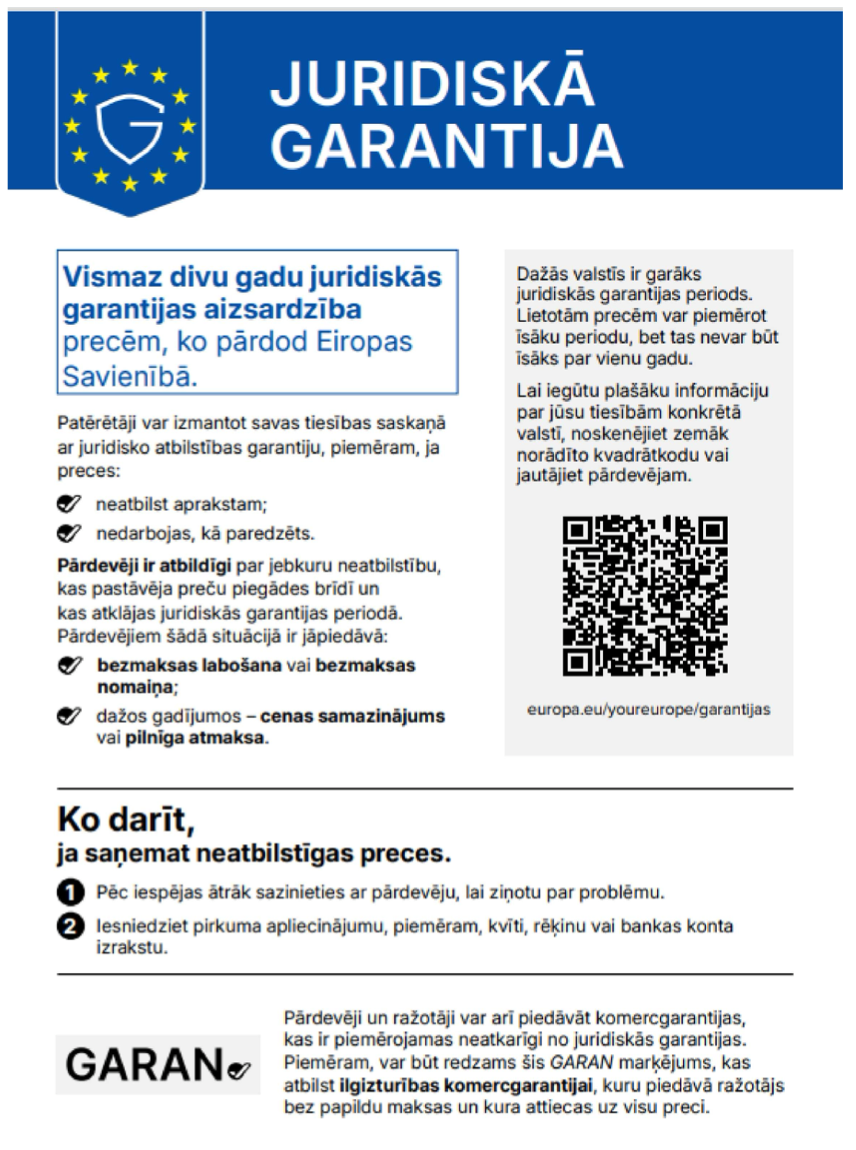
Obligātā garantija 24 mēn
Papildus informācija Horizontāla / Vertikāla novietošanas iespēja
Preces apraksts angļu valodā:

Operating system
Available with Windows 10 Pro or Ubuntu – for a smooth, versatile PC experience
Unmatched performance and affordability
Get ultimate power without sacrificing your budget on the affordable Dell Precision 3000 Series workstations. Elevate your ideas with professional performance, industrial small form factor designs and Dell’s Reliable Memory Technology Pro.
Professional performance
Blaze past limits: Power through the most intensive tasks with up to 128GB 2933MHz memory speeds, ECC memory optional. The motherboard features increased memory trace lengths that meet the latest Intel® guidelines.

Peak Performance: Up to 10th Gen Intel® Core™ and Xeon® vPro® processors offer businesses the performance, manageability, built-in security features, and stability of Intel® architecture and align to a future-proof roadmap.

Next gen graphics: Run professional applications at the fastest speeds possible with powerful AMD Radeon™ Pro and NVIDIA Quadro® P1000 professional graphics with up to 55W of graphics support.

Expandable and flexible: Scalable storage featuring SATA SAS and PCIe NVMe SSD options up to 10TB delivers top performance for complex projects.
Intelligence that matches yours
Dell Optimizer for Precision is a built-in AI platform that learns how you work and continuously adapts to your style to create a smarter, more personalized and productive experience.

ExpressResponse: Launch your most used apps faster. We use built-in AI and Intel® Adaptix™ Technology to adjust performance levels where you need them most.

Intelligent Audio: Dell Optimizer’s Intelligent Audio will automatically tune your system by adjusting background noise, managing speech volume and refining overall sound experience so you can hear and be heard better wherever you work.
Reliability when you need it most
Work without fail: Dell Reliable Memory Technology Pro (RMT) protects your work from potential crashes related to memory errors. Working in conjunction with ECC memory it detects and corrects or maps out memory errors. RMT Pro also monitors the health of the memory and alerts the user when the memory is at a critical level and needs to be replaced.

Independent Software Vendor (ISV) certification: Precision workstations are tested to ensure the high-performance applications you rely on every day run smoothly. Dell ISV-certifications cover the most popular independent software applications.
Make room for your ideas
Small space? No problem: Your Precision 3440 Small Form Factor features an industrial small form factor design that is ideal for space-constrained workspaces that need workstation-class performance and reliability.


Premium and accessible design:
Handle demanding tasks with ease thanks to a range of features designed for an efficient workflow. Premium materials and the optional external dust filter keep internal components pristine, while Wi-Fi capabilities and a range of accessible ports keep you connected to everything you need.
Modernize your IT with Dell Technologies Unified Workspace
Dell Technologies Unified Workspace intelligently modernizes end user experiences for seamless productivity with proactive, predictive and automated solutions for deployment, security, management and support.

Deploy
ProDeploy in the Unified Workspace allows you to move away from traditional, high-touch, manual deployment, and instead, ship devices preconfigured with company apps and settings from the Dell factory directly to their end users—having end users up and working on day one.

Secure
Dell Trusted Devices provide a foundation to a modern workforce environment with invisible and seamless protection to ensure smarter, faster experiences. End users stay productive and IT stays confident with modern security solutions for the Dell Trusted Device.

Manage
Dell Client Command Suite + VMware Workspace ONE offers integrated capabilities that deliver a unified endpoint management experience to customers so they can manage firmware, OS and apps from one console.

Support
ProSupport resolves hardware issues up to 11x faster than the competition. ProSupport for PCs offers 24x7 access to in-region ProSupport engineers who contact you when critical issues arise,* so you can focus on what’s next, not what just happened.

ProSupport Plus helps you stay a step ahead and virtually eliminate unplanned downtime due to hardware issues. You get all the capabilities of ProSupport, as well as AI-driven alerts to prevent failures and repairs for accidents.*

Dell SupportAssist OS Recovery: Enable a recovery environment with tools to diagnose and troubleshoot issues that may occur before your computer boots to the operating system.
Preces krāsa var atšķirties no attēlā redzamās. Produkta apraksts ir vispārīgs, tajā ne vienmēr ir minētas visas produkta īpašības. Produktu cenas e-veikalā var atšķirties no cenām lielveikalos un servisa centros. Preču atlikums noliktavā un e-veikalā var atšķirties, tāpēc šādos gadījumos piegādes nosacījumi var atšķirties no tiem, kas norādīti pasūtījuma veikšanas brīdī un / vai nevarēsim izpildīt Tavu pasūtījumu vai tikai daļēji izpildīt (tādos gadījumos Pircējs tiek informēts nekavējoties). AI Modified - Rediģēts, izmantojot MI

Pamanīji kļūdu preces aprakstā, īpašību tabulā vai attēlu galerijā? Ziņo mums