Pievienojies SMART NET un ietaupi! Pievienoties

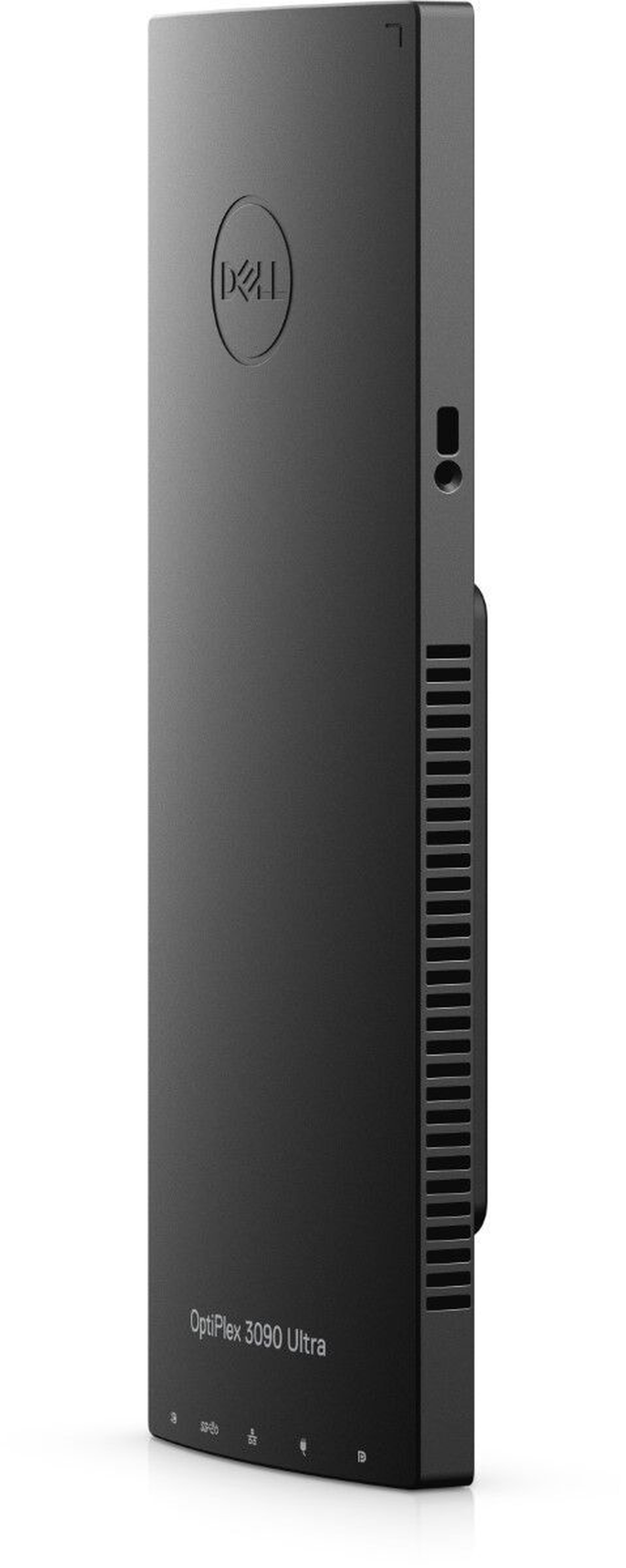
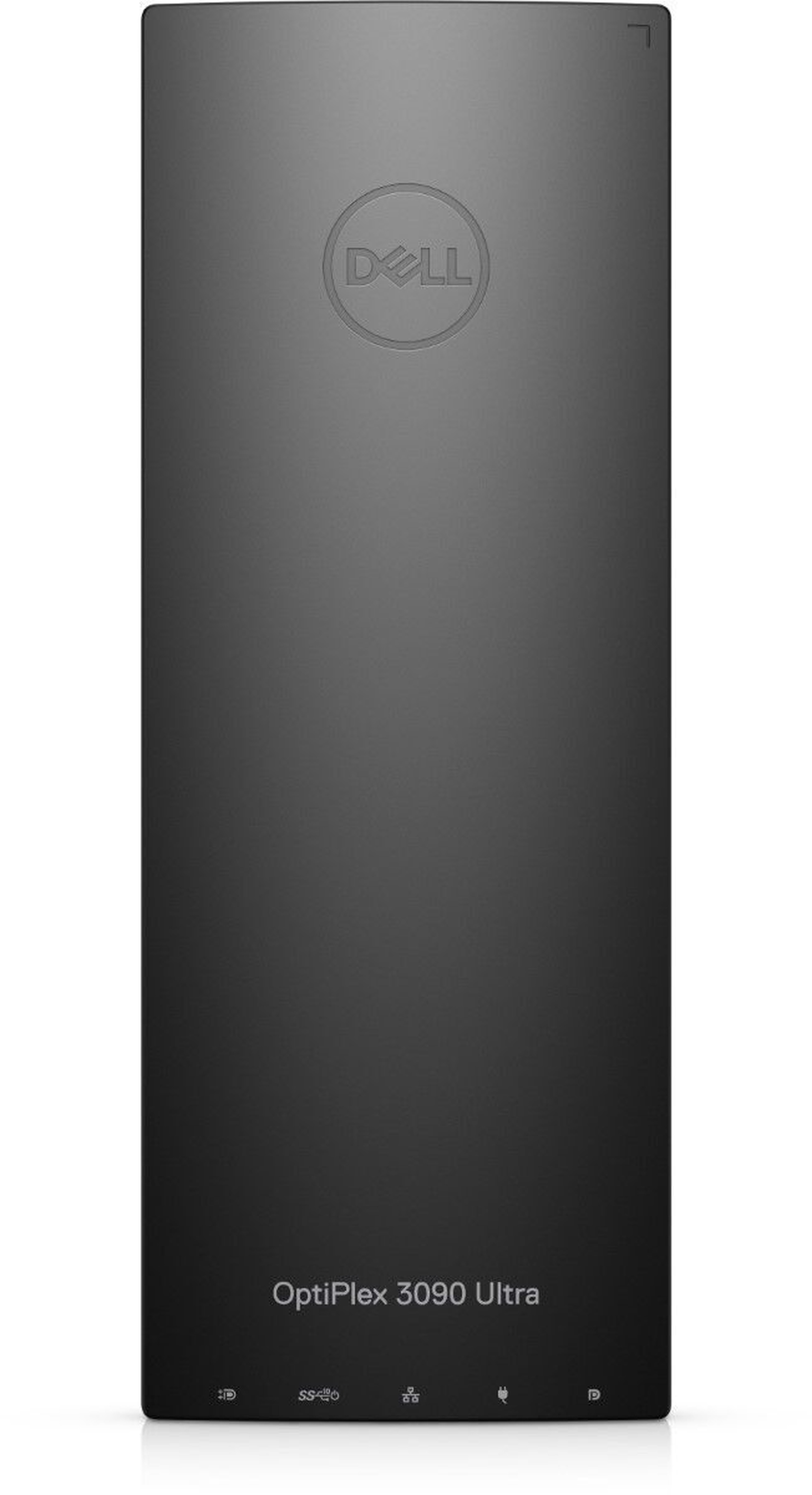
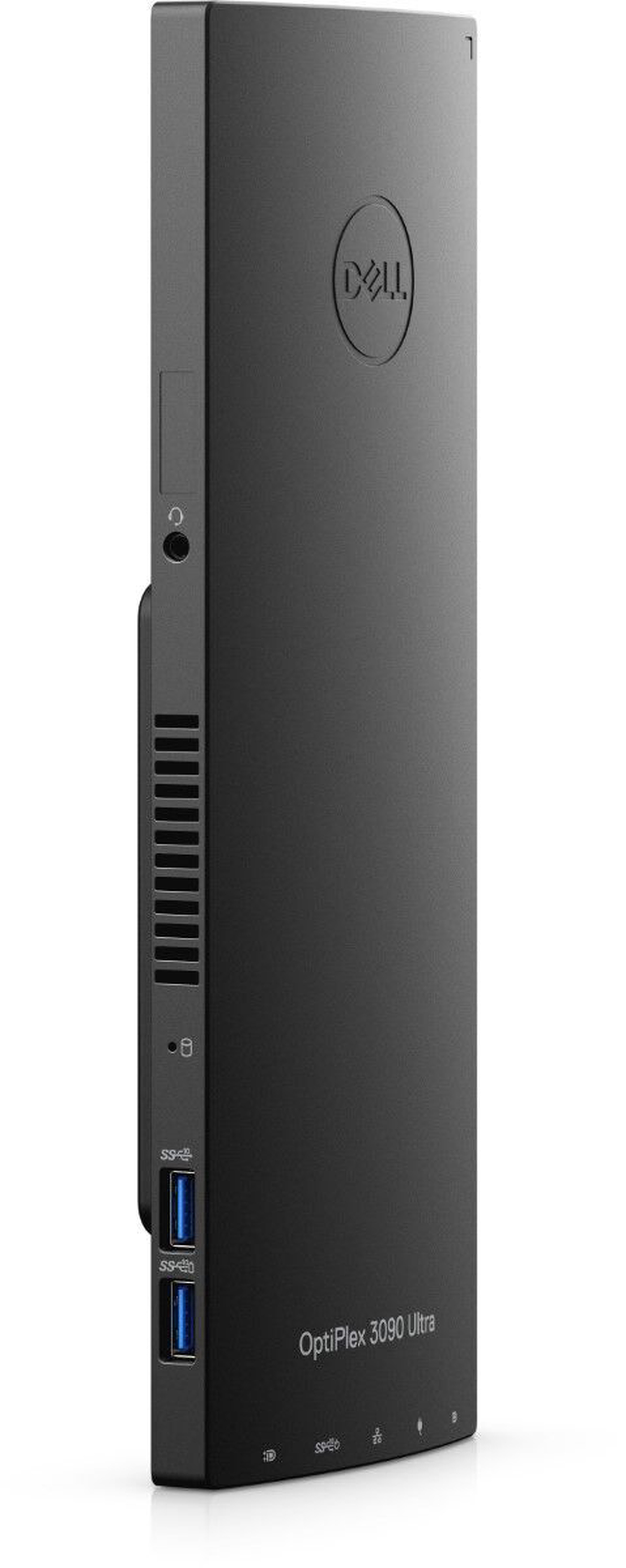
Stacionārs dators Dell Intel® Core™ i5-1145G7 Processor (8 MB Cache, 2.6 GHz), DDR4 16 GB 256 GB, Intel® Iris® Xe Graphics Dynamic, Windows 10


Atvaino, šī prece šobrīd nav pieejama internetā. Taču piedāvājam pārskatīt citas šīs kategorijas preces – ticam, ka atradīsi līdzīgu preci.

Tāpat vari turpināt iepirkšanos, atgriežoties sākumlapā vai meklēšanas laukā ierakstot, kādu preci meklēji.
Informācija

Izstrādājuma īpašības

Kopējie parametri

Produkta veids Stacionārie datori
Zīmols Dell
Datora tips All In One dators
Operētājsistēma
Rādītājs “operētājsistēma” nosaka, kāda legāla operētājsistēmas licence ir iekļauta datora komplektā. Tā sastāvā ietilpst speciālas programmas un programmu līdzekļi, kas nodrošina datora aparatūras saskaņotu darbību, kā arī datora lietotāja izvēlēto programmu pilnvērtīgu izmantošanu. Operētājsistēma dod iespēju lietotājam vadīt datora darbu.
Windows 10

Procesors un mātes plate

Procesora klase Intel® Core™ i5
Procesora modelis
Dēvēts par datora “smadzenēm”, procesors veic datu apstrādi un ļauj datoram darboties. Centrālā procesora veiktspēja ir atkarīga gan no tā tipa, gan takts frekvences, kuru mēra GHz. Procesora takts frekvence ir ātrdarbības rādītājs. Procesoram ar lielāku takts frekvenci ir augstāka ātrdarbība pret procesoru ar vienādiem pārējiem tehniskajiem rādītājiem.
Intel® Core™ i5-1145G7 Processor (8 MB Cache, 2.6 GHz)

Operatīvā atmiņa

Operatīvās atmiņas tips
Atmiņas kopne ir paredzēta informācijas pārraidei starp mikroprocesoru un operatīvo atmiņu. Tā nosaka, kāda tipa operatīvo atmiņu uztur attiecīgā pamatplate.
DDR4
Operatīvā atmiņa (RAM)
Operatīvā atmiņa (no angļu valodas RAM - Random Access Memory) ir īslaicīga datu krātuve. Tajā glabājas informācija, kas var būt gan programmas, gan dati. Operatīvās atmiņas lielums nosaka, cik daudz failu vienlaikus varat lietot (attēli, web lapas, video), lai dators darbotos pietiekamā ātrumā. Jo augstāks rādītājs, jo dators var veikt vairāk vienlaicīgus uzdevumus.
16 GB
Maksimālais operatīvās atmiņas daudzums (RAM)
Šis rādītājs nosaka, kāds ir jūsu datora maksimālais iespējamais atmiņas apjoms. Jo lielāks, jo vairāk datus iespējams saglabāt.
64 GB

Cietais disks

Cietā diska ietilpība (HDD)
Cietais disks ( saīsināti dēvēts par HD vai HDD – no angļu val. Hard Disk Drive) ir galvenā datu nesēju ierīce, kas pastāvīgi uzglabā visus datus datorā. To lieto datorprogrammu un informācijas glabāšanai. Jo lielāka diska ietilpība, jo vairāk informācijas tajā iespējams ierakstīt (saglabāt). Mēdz būt divu veidu cietie diski – statiskais (SSD) un standarta (HDD).
-
SSD/eMMC diska ietilpība
SSD ( no angļu val. Solid State drive) diski ir jaunas paaudzes datu glabāšanas iekārtas, kuriem ir lielāks darbības ātrums, nekā HHD jeb parastajam cietajam diskam. Šo disku ražošanā tiek izmantotas zibatmiņas, kas sastāv no mikroshēmu kopuma un kontroliera, nodrošinot diska un datora mijiedarbību. SSD disku priekšrocība ir tā, ka disks gandrīz nemaz neuzkarst, un tā darbība ir pilnīgi nedzirdama.
256 GB

Audio un video

Video kartes tips Intel
Video kartes modelis
Mēdz būt divu veidu videokartes. Neiebūvētajai ir atsevišķa atmiņa, kas ir īpaši aktuāla spēlēm un grafiskām programmām. Iebūvējamās (integrētās) izmanto procesora resursus un izmanto nepieciešamo atmiņu no operatīvās atmiņas (dinamiskās atmiņa).
Intel® Iris® Xe Graphics
Video kartes atmiņa
Jo augstāks šis rādītājs, jo ātrāka konkrētā modeļa video karte.
Dynamic
VR (Virtual reality) ready
Datora atbalsts uz simulētās virtuālās realitātes pasauli, kur iespēja mijiedarboties ar apkārtējo virtuālo vidi. Lai šo funkciju varētu izmantot ir nepieciešama papildus iekārta, kā piemēram: HTC Vive, Oculus Rift, u.c.
Nē

Savienojumi

Savienojumi
Interfeiss ir līdzekļu un noteikumu kopa, kura nodrošina cilvēka un programmas un aparatūras savstarpējo mijiedarbību.
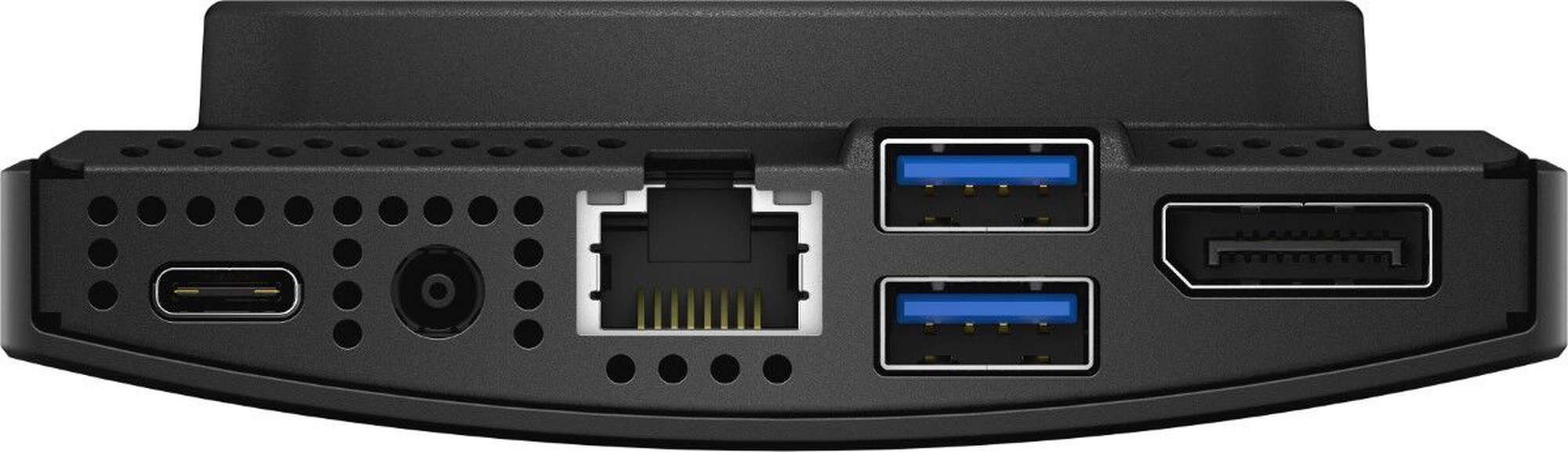
3.5 mm Audio, 4 x USB 3.2 Gen 2 Type A, USB Type C
Tīkla karte
Tīkla interfeisa kartes (angļu val. Network Interface Card -NIC) ir datora komponents, kuru lieto, lai datoru pieslēgtu datortīklam (tai skaitā – internetam). Tīkla karte ir saistīta ar IP adresi, kas ir adrese no datora tīklā.
Jā; (10/100/1000)

Korpuss un papildus ierīces

Korpusa modelis Tiny Desktop
Diskdzinis
Mēdz būt divu veidu diskdziņi. Vieni atbalsta DVD/CD lasīšanu un ierakstīšanu, otri – DVD/CD/Blu-ray.
Nē

Papildus

Obligātā garantija 24 mēn
Papildus informācija Neticami kompakts dizains
Preces apraksts angļu valodā:


Modularity maximized

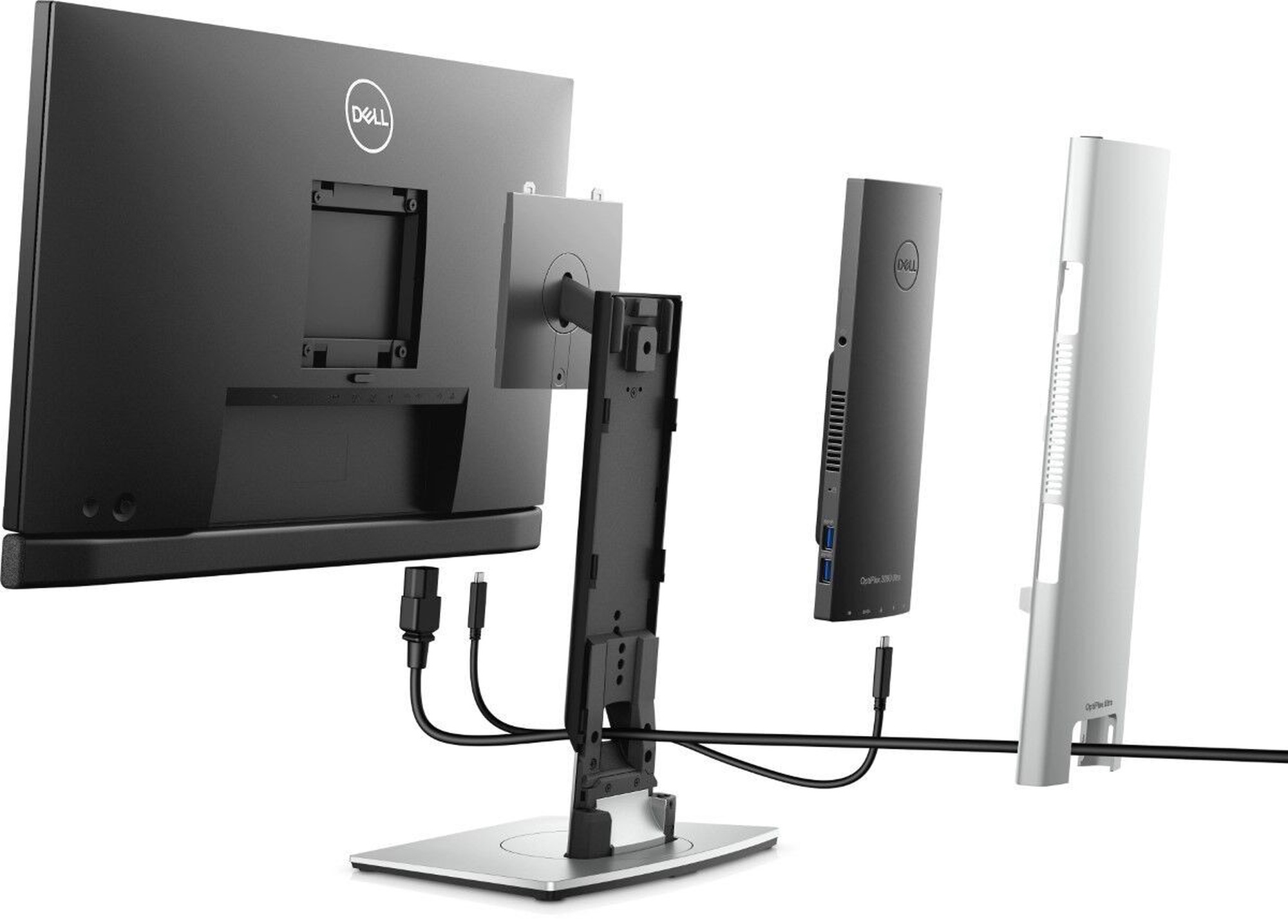
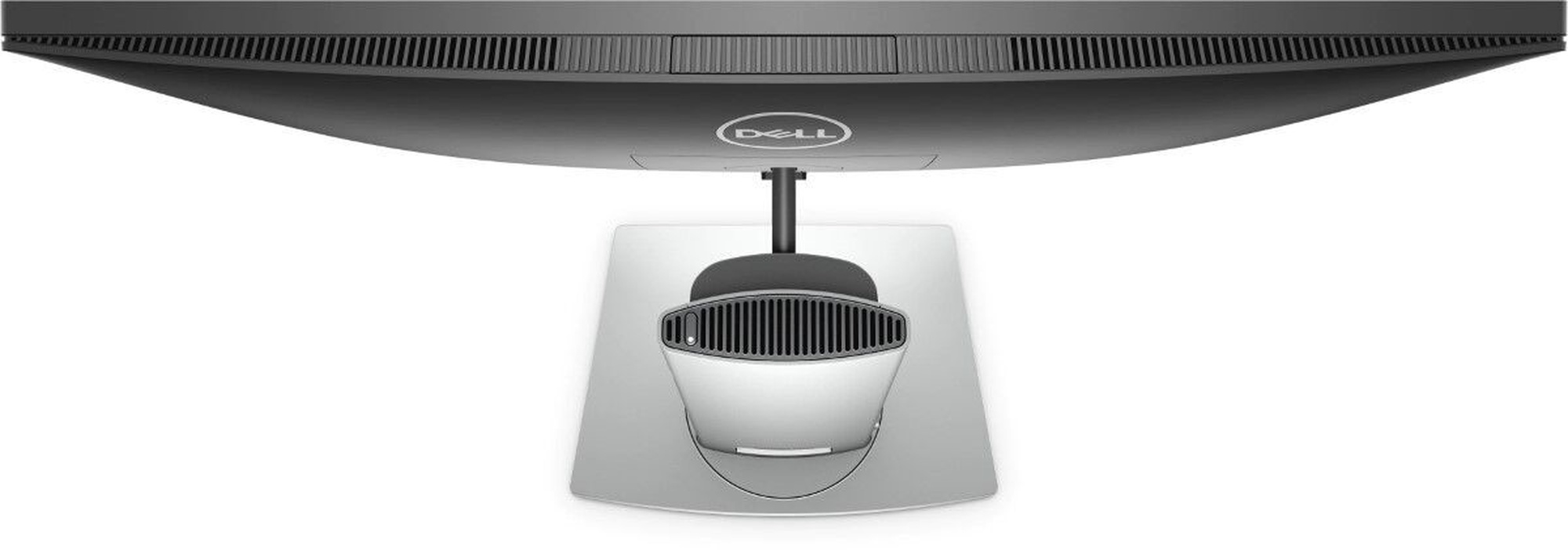
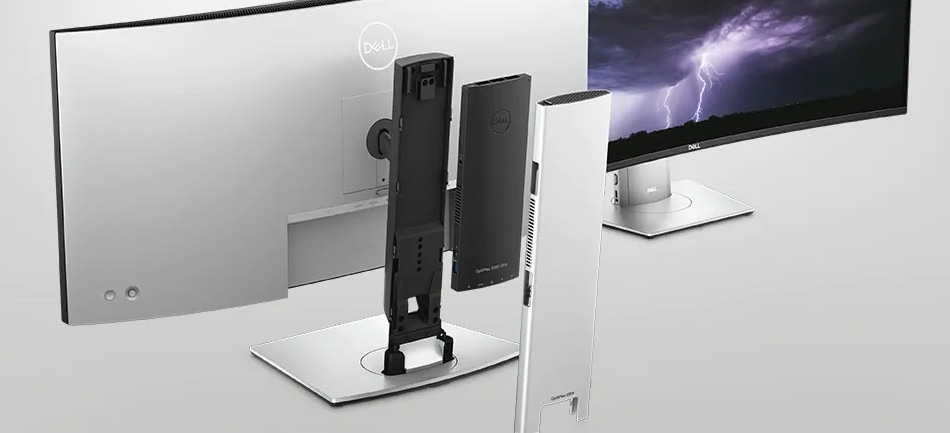
A fully modular All-in-One experience: The OptiPlex 3090 Ultra’s modular form factor combines the sleekness of an All-in-One with the flexibility of a desktop. Its unique compact design allows the PC to be hidden inside a custom stand which supports a wide choice of monitors to create a truly innovative and space-saving all-in-one experience.

Unheard of flexibility: The Ultra PC module hides in a custom monitor stand capable of supporting up to 40" displays, mounts to an arm or on the wall for a versatile all-in-one experience. The Height Adjustable Stands, Dell MSA20 Arm* and Offset VESA mount, or the wall mount options respond to users’ needs across multiple use cases and deployment scenarios.

Simplicity breeds productivity: The OptiPlex 3090 Ultra paired with Dell 65W USB-C monitors and matching Height Adjustable Stand ensures future-ready connectivity, a one power cord solution and saves workspace set up time with reduced cabling. Create a clean and efficient solution with dual monitors to increase productivity by up to 21%.* The OptiPlex 3090 Ultra can support up to four monitors at once through DisplayPort Multi-Streaming Technology (MST) for ultimate productivity.

Work happens your way

Always ready: The OptiPlex 3090 Ultra features 11th Gen Intel® Core™ processors with up to a Quad Core™ i5 running at 15W and integrated Intel® Iris® Xe graphics for uncompromising performance.

Never compromise: Provides support for NVMe SSD’s, WiFi 6 and USB-C, without sacrificing traditional features such as ethernet, DisplayPort, USB-A and standard hard drives. With configurations up to 64GB 3200MHz DDR4 RAM and dual storage with up to a 1TB SSD and up to a 2TB SATA hard drive.

Work confidently: The Power Button Sync available on new Dell USB-C monitors provides a seamless boot up and wake-on-demand experience utilizing the monitor power button.

Ready for every workplace
Low-touch IT: Ultra’s tool-less chassis and Height Adjustable Stand lend quick access to internal components for fast service and deployments. Quickly deploy, service or swap each element of the solution independently for ultimate manageability, performance, and superior TCO.

Works with what you have: The backwards compatibility of the OptiPlex 3090 Ultra with predecessor ecosystems ensures seamless deployment when refreshing the system.

Secure hardware: OptiPlex is built with best in class security, featuring TPM 2.0, and K-lock slots and security screws on both the Ultra module and stands.

A one-of-a-kind modern client

OptiPlex 3090 Ultra configured with Dell Hybrid Client* software is a modern client solution with hybrid cloud management that lets users easily and securely access applications and data whether residing in the public cloud, private cloud or stored locally.

Coming soon
Intelligence built in. Modernization built on

We know that having the right device is just the start to a great workday. Employees need intelligent, intuitive and responsive experiences that allow them to work productively and without interruption. According to research, 1 out of every 4 users would question their job and the company they work for if they had a negative experience with their technology.*

Dell Technologies Unified Workspace is transforming the employee experience and ensuring IT has proactive, predictive and automated solutions to deliver on the promise of a modern workday, while simplifying their ability to deploy, secure, manage and support their environment.

Deploy: ProDeploy in the Unified Workspace allows IT to move away from traditional, high-touch, manual deployment, and instead, ship devices preconfigured with company apps and settings from the Dell factory directly to their end users—having end users up and working on day one.

Secure:Dell Trusted Devices provide a foundation to a modern workforce environment with invisible and seamless protection to ensure smarter, faster experiences. End users stay productive and IT stays confident with modern security solutions for the Dell Trusted Device.

Manage:Dell Client Command Suite + VMware Workspace ONE offers integrated capabilities that deliver a unified endpoint management experience for IT, enabling them to manage firmware, OS, and apps from one console, while also creating seamless experiences for end users.

Support: ProSupport resolves hardware issues up to 11x faster than the competition. ProSupport for PCs offers 24x7 access to in-region ProSupport engineers who contact IT when critical issues arise,* so you can focus on what’s next, not what just happened.

ProSupport Plus helps IT stay a step ahead and virtually eliminate unplanned downtime due to hardware issues. You get all the capabilities of ProSupport, as well as AI-driven alerts to prevent failures and repairs for accidents.*
Preces krāsa var atšķirties no attēlā redzamās. Produkta apraksts ir vispārīgs, tajā ne vienmēr ir minētas visas produkta īpašības. Produktu cenas e-veikalā var atšķirties no cenām lielveikalos un servisa centros. Preču atlikums noliktavā un e-veikalā var atšķirties, tāpēc šādos gadījumos piegādes nosacījumi var atšķirties no tiem, kas norādīti pasūtījuma veikšanas brīdī un / vai nevarēsim izpildīt Tavu pasūtījumu vai tikai daļēji izpildīt (tādos gadījumos Pircējs tiek informēts nekavējoties). AI Modified - Rediģēts, izmantojot MI

Pamanīji kļūdu preces aprakstā, īpašību tabulā vai attēlu galerijā? Ziņo mums