Pievienojies SMART NET un ietaupi! Pievienoties

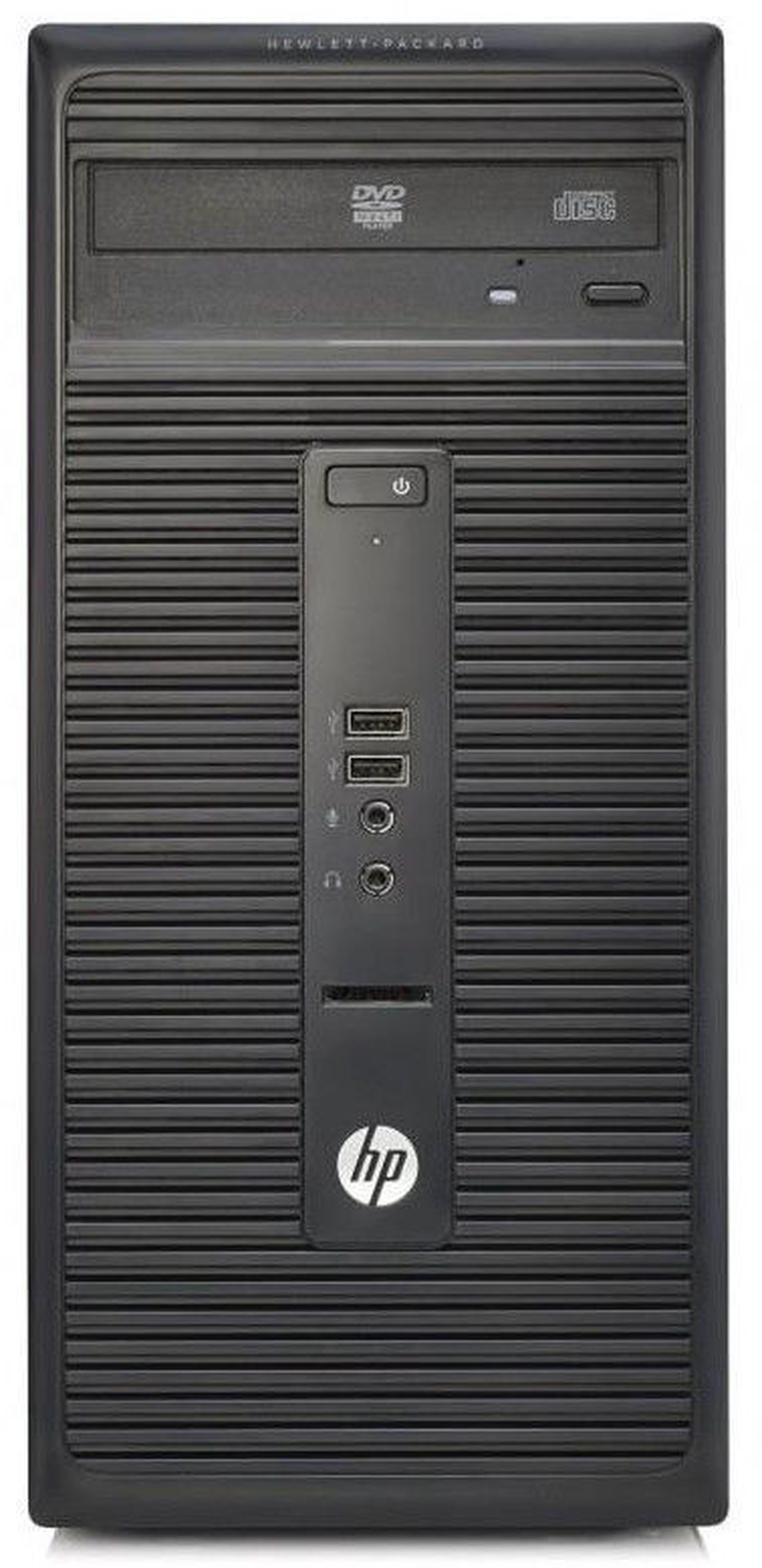
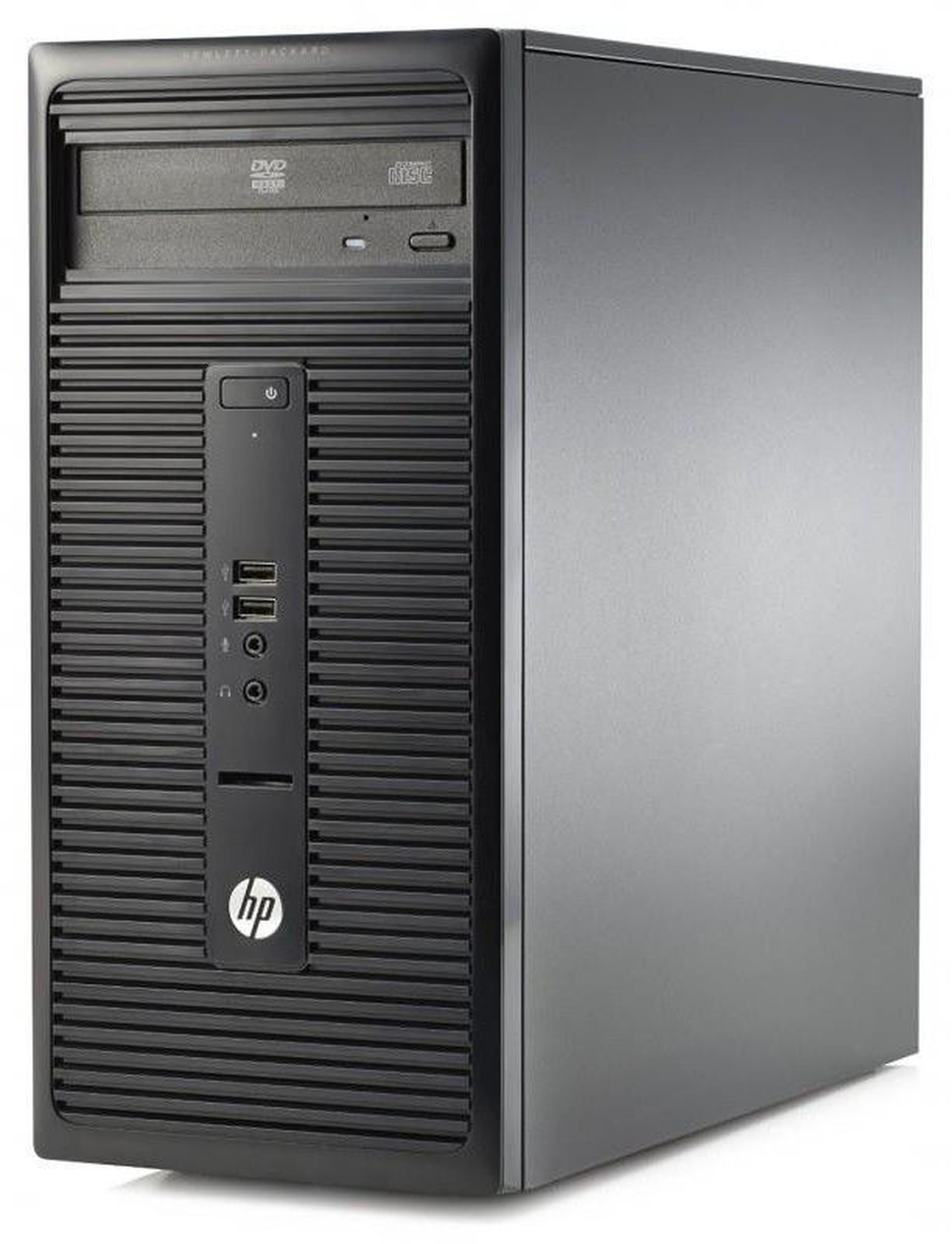
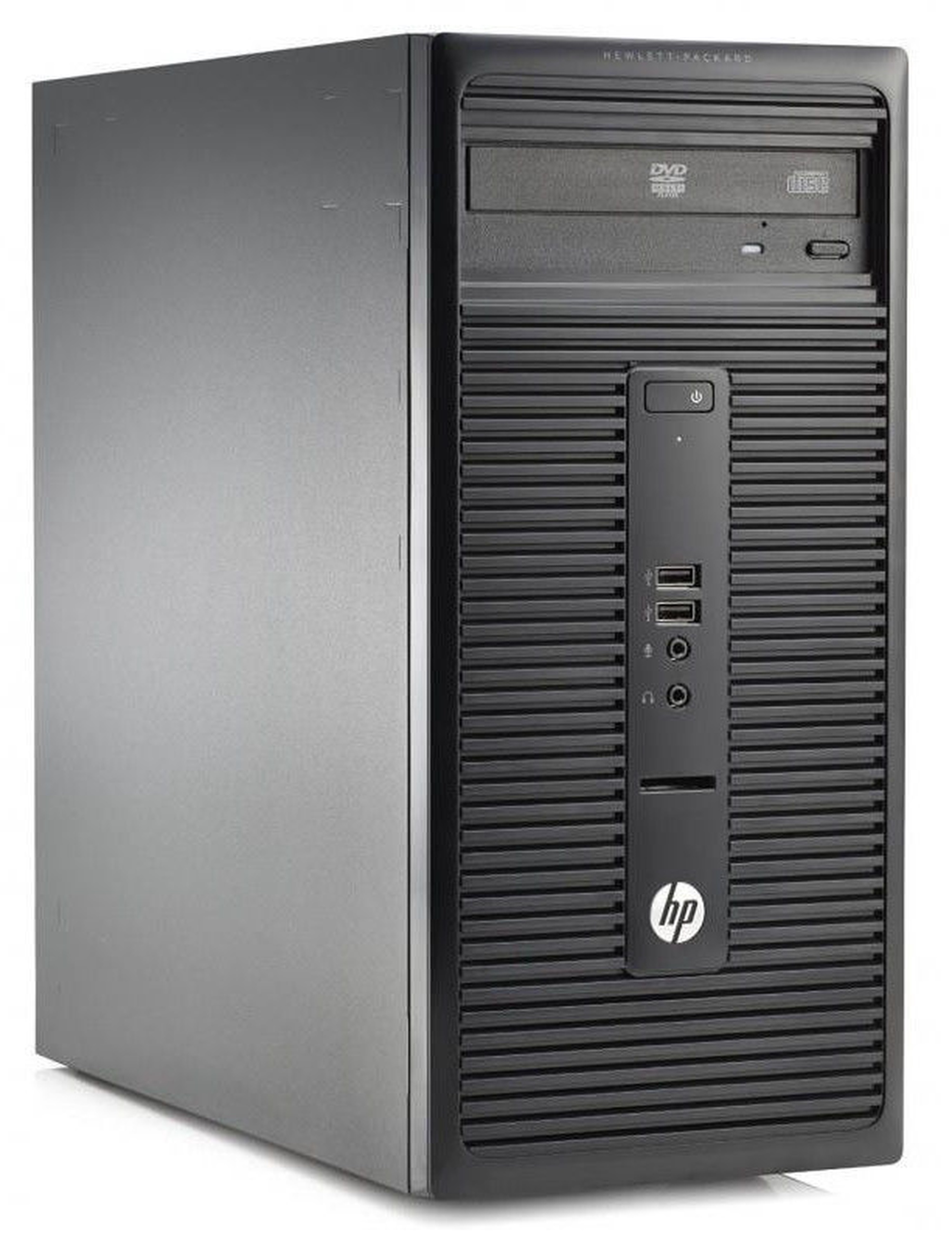
Stacionārs dators HP Intel® Core™ i3-4160 Processor (3 MB Cache), DDR3 4 GB – 500 GB, Intel HD Graphics, Windows 10


Atvaino, šī prece šobrīd nav pieejama internetā. Taču piedāvājam pārskatīt citas šīs kategorijas preces – ticam, ka atradīsi līdzīgu preci.

Tāpat vari turpināt iepirkšanos, atgriežoties sākumlapā vai meklēšanas laukā ierakstot, kādu preci meklēji.
Informācija

Izstrādājuma īpašības

Kopējie parametri

Produkta veids Stacionārie datori
Zīmols HP
Datora tips Mājai/izglītībai
Operētājsistēma
Rādītājs “operētājsistēma” nosaka, kāda legāla operētājsistēmas licence ir iekļauta datora komplektā. Tā sastāvā ietilpst speciālas programmas un programmu līdzekļi, kas nodrošina datora aparatūras saskaņotu darbību, kā arī datora lietotāja izvēlēto programmu pilnvērtīgu izmantošanu. Operētājsistēma dod iespēju lietotājam vadīt datora darbu.
Windows 10

Procesors un mātes plate

Procesora tips Intel
Procesora klase Intel® Core™ i3
Procesora modelis
Dēvēts par datora “smadzenēm”, procesors veic datu apstrādi un ļauj datoram darboties. Centrālā procesora veiktspēja ir atkarīga gan no tā tipa, gan takts frekvences, kuru mēra GHz. Procesora takts frekvence ir ātrdarbības rādītājs. Procesoram ar lielāku takts frekvenci ir augstāka ātrdarbība pret procesoru ar vienādiem pārējiem tehniskajiem rādītājiem.
Intel® Core™ i3-4160 Processor (3 MB Cache)
Procesora frekvence 3.6 GHz

Operatīvā atmiņa

Operatīvās atmiņas tips
Atmiņas kopne ir paredzēta informācijas pārraidei starp mikroprocesoru un operatīvo atmiņu. Tā nosaka, kāda tipa operatīvo atmiņu uztur attiecīgā pamatplate.
DDR3
Operatīvās atmiņas taktiskais biežums 1600 MHz
Operatīvā atmiņa (RAM)
Operatīvā atmiņa (no angļu valodas RAM - Random Access Memory) ir īslaicīga datu krātuve. Tajā glabājas informācija, kas var būt gan programmas, gan dati. Operatīvās atmiņas lielums nosaka, cik daudz failu vienlaikus varat lietot (attēli, web lapas, video), lai dators darbotos pietiekamā ātrumā. Jo augstāks rādītājs, jo dators var veikt vairāk vienlaicīgus uzdevumus.
4 GB
Maksimālais operatīvās atmiņas daudzums (RAM)
Šis rādītājs nosaka, kāds ir jūsu datora maksimālais iespējamais atmiņas apjoms. Jo lielāks, jo vairāk datus iespējams saglabāt.
8 GB

Cietais disks

HDD diska ātrums
HDD apgriezieni ir cietā diska ātrdarbības rādītājs. Visbiežāk HDD apgriezienu rādītājs mēdz būt diapazonā no 5400 līdz 7200 apgriezieniem minūtē. Jo augstāks rādītājs, jo operētājsistēmas un programmu ielāde darbosies ātrāk.
7200 rpm
Cietā diska ietilpība (HDD)
Cietais disks ( saīsināti dēvēts par HD vai HDD – no angļu val. Hard Disk Drive) ir galvenā datu nesēju ierīce, kas pastāvīgi uzglabā visus datus datorā. To lieto datorprogrammu un informācijas glabāšanai. Jo lielāka diska ietilpība, jo vairāk informācijas tajā iespējams ierakstīt (saglabāt). Mēdz būt divu veidu cietie diski – statiskais (SSD) un standarta (HDD).
500 GB
SSD/eMMC diska ietilpība
SSD ( no angļu val. Solid State drive) diski ir jaunas paaudzes datu glabāšanas iekārtas, kuriem ir lielāks darbības ātrums, nekā HHD jeb parastajam cietajam diskam. Šo disku ražošanā tiek izmantotas zibatmiņas, kas sastāv no mikroshēmu kopuma un kontroliera, nodrošinot diska un datora mijiedarbību. SSD disku priekšrocība ir tā, ka disks gandrīz nemaz neuzkarst, un tā darbība ir pilnīgi nedzirdama.
–

Audio un video

Video kartes modelis
Mēdz būt divu veidu videokartes. Neiebūvētajai ir atsevišķa atmiņa, kas ir īpaši aktuāla spēlēm un grafiskām programmām. Iebūvējamās (integrētās) izmanto procesora resursus un izmanto nepieciešamo atmiņu no operatīvās atmiņas (dinamiskās atmiņa).
Intel HD Graphics
Skaņas kartes modelis
Audio ir skaņas sistēma, kas ir iebūvēta datorā vai arī var tikt pievienota. Augstas izšķirtspējas (HD) skaņas sistēma ļauj jūsu datoram darboties kā audio uztvērējam un pastiprinātājam. Datorā integrēti skaļruņi sniedz iespēju baudīt mūziku, filmas un spēles bez nepieciešamības izmantot austiņas. Stereo skaļruņi piešķir skaņai telpiskumu un reālistiskāku skaņas kvalitāti salīdzinājumā ar mono skaļruņiem.
High Definition Audio

Savienojumi

Savienojumi
Interfeiss ir līdzekļu un noteikumu kopa, kura nodrošina cilvēka un programmas un aparatūras savstarpējo mijiedarbību.
3.5 mm Audio, USB 2.0, USB 3.0
Tīkla karte
Tīkla interfeisa kartes (angļu val. Network Interface Card -NIC) ir datora komponents, kuru lieto, lai datoru pieslēgtu datortīklam (tai skaitā – internetam). Tīkla karte ir saistīta ar IP adresi, kas ir adrese no datora tīklā.
Jā; (10/100/1000)

Korpuss un papildus ierīces

Korpusa modelis Micro Tower
Diskdzinis
Mēdz būt divu veidu diskdziņi. Vieni atbalsta DVD/CD lasīšanu un ierakstīšanu, otri – DVD/CD/Blu-ray.
Jā
Pele komplektā Jā

Papildus

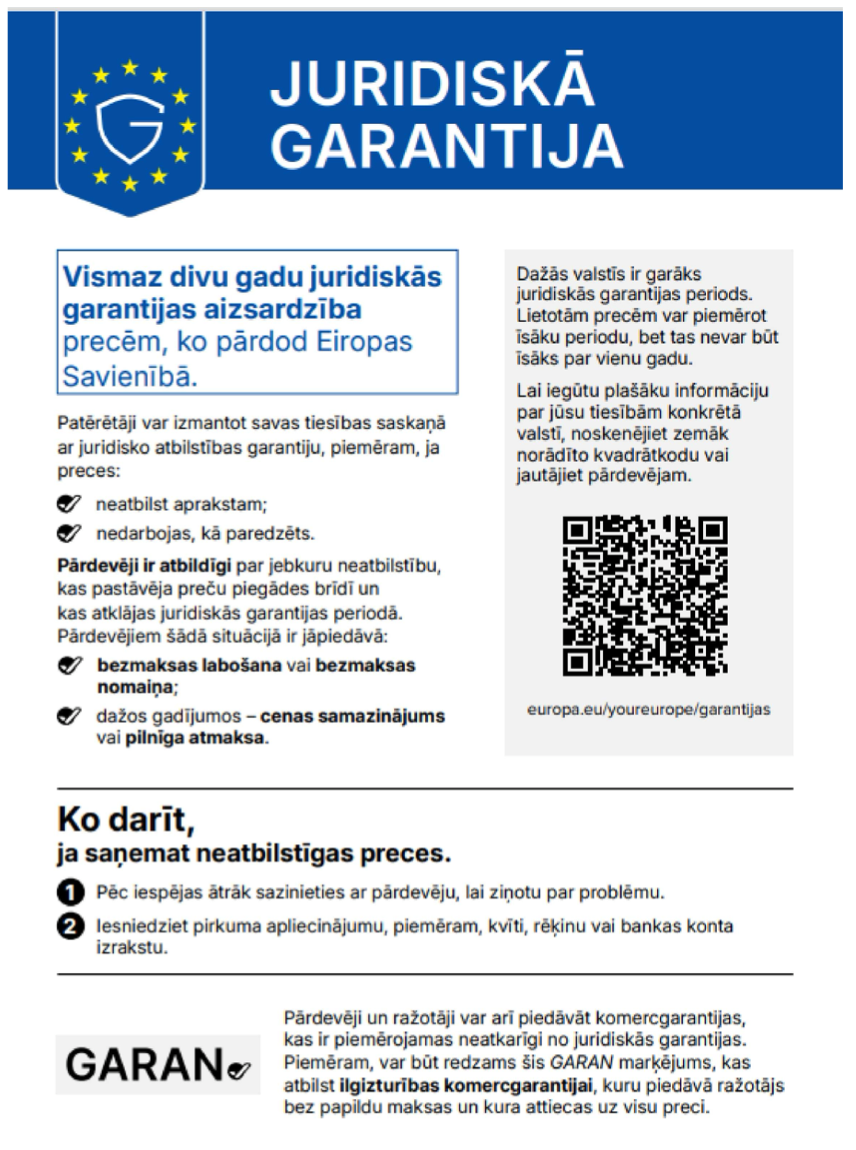
Obligātā garantija 24 mēn
Papildus informācija Izmērs: 17 x 35.5 x 35.88 cm. Svars: 6.11 kg
Preces apraksts angļu valodā:


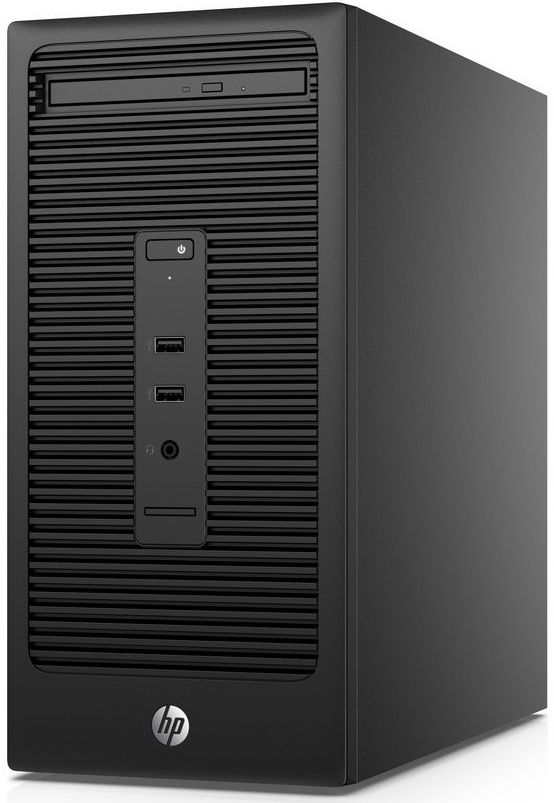
Take on your work with the HP 280 MT desktop PC. Get the computing power you need for your business while minimizing the total cost of ownership—now that’s a smart investment.

Dependable and ready for work
The HP 280 MT delivers reliable performance for your business with the tools you need for work. Enhance your meeting experience with the optional HP Conferencing Keyboard and HP Business Headset for collaboration.[4]

Progressive style
Enjoy the full desktop experience on the scalable HP 280 MT with a functional design that compliments your workspace and is easy to set up and use.

Powered up processing
Cruise through tasks easily and efficiently with 6th Generation Intel® Core™ i3/i5 processors[3] and up to 32 GB of powerful DDR4 memory[4] for demanding applications.

Expansion options
PCIe x1 and PCIe x16 slots along with VGA and DVI-D ports, and an SSD drive option[4] on the HP 280 Microtower help ensure broad compatibility with existing technology investments and future upgrades.

Featuring
Let nothing stand in your way
Help secure the future of your business. PCs from HP make the most of Windows 10 Pro[1] to protect you from today’s security threats and maximize management and productivity features for business.

Help secure critical data
Upgrade the embedded Trusted Platform Module 1.2 (TPM) to TPM 2.0 through a firmware upgrade[5] which provides hardware-based encryption keys to help secure your data, e-mail, and user credentials.

Eight USB ports
Make connections to peripherals with eight USB ports on the HP 280 MT. Two front and four rear USB 2.0 ports are ready to connect to USB compatible peripherals, while two rear USB 3.0 ports are ready to charge your tablet or phone.

Different devices, brands and operating systems
Manage different devices, from different brands and operating systems all with the HP Touchpoint Manager app, and perform device maintenance tasks quickly and easily.[6]

PC management made more manageable
Quickly get to the updates you need with HP Support Assistant.

Simple wireless printing
Make better use of your workspace. HP ePrint makes wireless printing simple, no need for drivers.[7]

Valuable support at your service
Simplify technical support with Helpdesk by HP Care. Rely on cost-effective expertise that’s available 24x7, covering multiple brands, devices, and operating systems.[8]

1 Not all features are available in all editions or versions of Windows. Systems may require upgraded and/or separately purchased hardware, drivers and/or software to take full advantage of Windows functionality. Windows 10 is automatically updated, which is always enabled. ISP fees may apply and additional requirements may apply over time for updates.
3 Multi-Core is designed to improve performance of certain software products. Not all customers or software applications will necessarily benefit from use of this technology. Performance and clock frequency will vary depending on application workload and your hardware and software configurations. Intel’s numbering is not a measurement of higher performance.
4 Sold separately or as an optional feature.
5 This product ships with TPM 1.2 with option to upgrade to TPM 2.0. Upgrade utility is expected to be available by the end of 2015 via HP Customer Support.
6 HP Touchpoint Manager requires purchase of a subscription and supports Android™, iOS and Windows 7 or higher operating systems and PCs, notebooks, tablets and smartphones from various manufacturers.
7 Requires an Internet connection to HP web-enabled printer and HP ePrint account registration (for a list of eligible printers, supported documents and image types and other HP ePrint details, see www.hpconnected.com). Mobile devices require Internet connection and email capability. May require wireless access point. Separately purchased data plans or usage fees may apply. Print times and connection speeds may vary. Some HP LaserJet printers may require firmware upgrades.
8 HP Care Services are optional. Service levels and response times for HP Care Services may vary depending on your geographic location. Service starts on date of hardware purchase. Restrictions and limitations apply. For details, visit www.hp.com/go/cpc. HP services are governed by the applicable HP terms and conditions of service provided or indicated to Customer at the time of purchase. Customer may have additional statutory rights according to applicable local laws, and such rights are not in any way affected by the HP terms and conditions of service or the HP Lim
Preces krāsa var atšķirties no attēlā redzamās. Produkta apraksts ir vispārīgs, tajā ne vienmēr ir minētas visas produkta īpašības. Produktu cenas e-veikalā var atšķirties no cenām lielveikalos un servisa centros. Preču atlikums noliktavā un e-veikalā var atšķirties, tāpēc šādos gadījumos piegādes nosacījumi var atšķirties no tiem, kas norādīti pasūtījuma veikšanas brīdī un / vai nevarēsim izpildīt Tavu pasūtījumu vai tikai daļēji izpildīt (tādos gadījumos Pircējs tiek informēts nekavējoties). AI Modified - Rediģēts, izmantojot MI

Pamanīji kļūdu preces aprakstā, īpašību tabulā vai attēlu galerijā? Ziņo mums